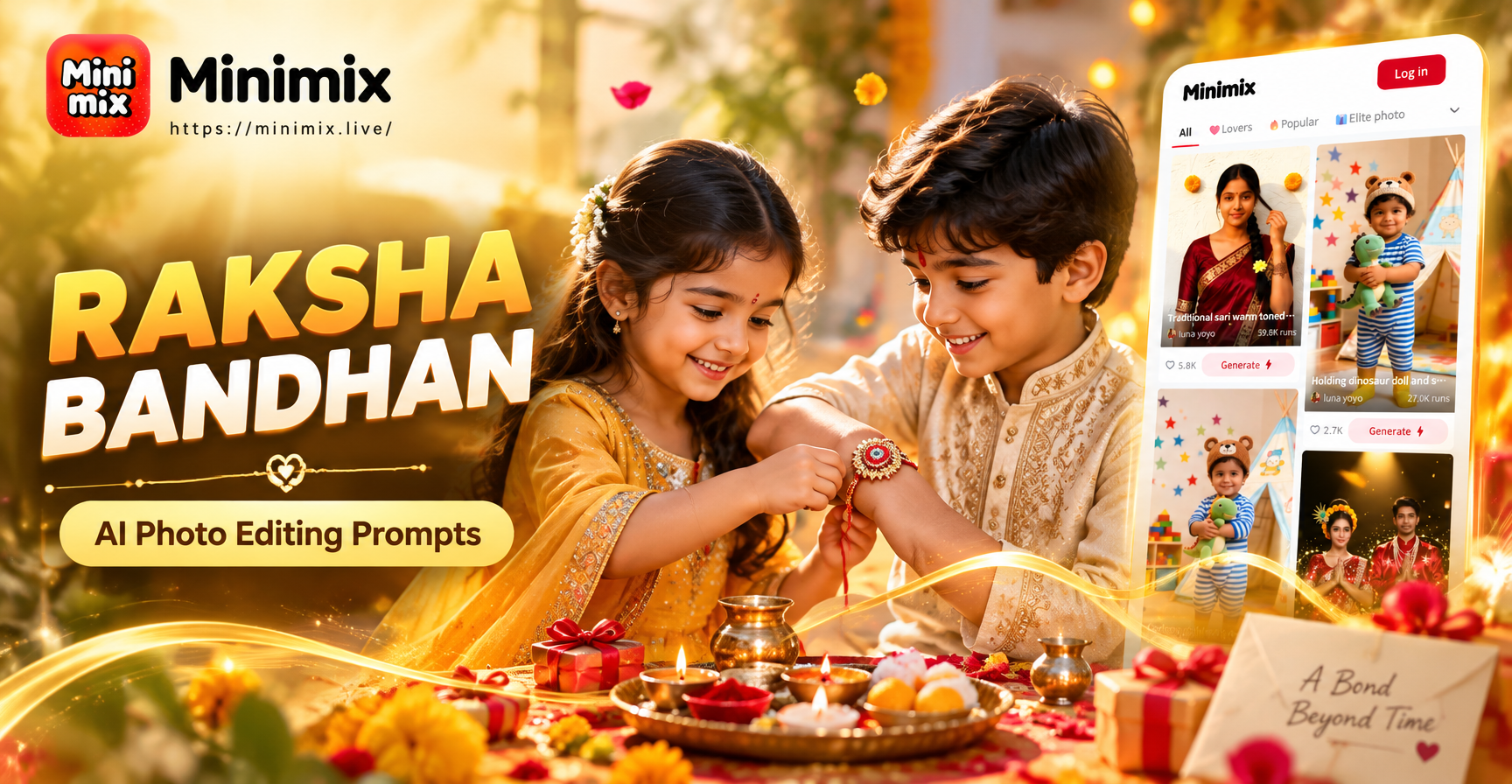
Raksha Bandhan is a festival of sibling love, and AI photo editing gives you a simple way to create polished festival images. This guide contains ready-to-use Raksha Bandhan AI photo editing prompts for portraits, rakhi close ups, traditional decor, and creative edits. You can use these prompts in image generation tools or apply them to your own photos with an image to image editor. Each prompt includes the subject, clothing, background, lighting, and style details that help the AI produce a beautiful result.
What Makes a Strong Raksha Bandhan AI Photo Editing Prompt?
A good prompt describes more than just the people. It tells the AI what to do with the clothing, the background, the lighting, the colors, and the overall mood. For Raksha Bandhan, include traditional elements like rakhi threads, thali, kumkum, marigold flowers, diyas, and torans. Also mention the type of photo you want, such as close up portrait, cinematic wide shot, or artistic illustration. The more specific you are, the better the result.
If you are editing an existing photo, add instructions about what to keep and what to change. For example, you can say 'keep the faces unchanged' or 'replace the background with a festive Indian living room'. This helps the AI preserve the people while transforming the scene.
18 Raksha Bandhan AI Photo Editing Prompts
Copy any prompt below and use it directly in your AI photo editor. You can also change small details such as clothing colors, time of day, or camera angle to match your photo.
Sibling Bonding Portraits
- A warm close up of a brother and sister tying a rakhi, traditional Indian outfits, soft golden light, marigold garlands in the blurred background, joyful expressions, cinematic color grade, high detail
- A young sister applying tilak on her brother's forehead during Raksha Bandhan, bright festive clothing, indoor warm lighting, decorated thali with sweets and rakhi threads, photorealistic
- An older brother hugging his younger sister after receiving a rakhi, outdoor terrace with string lights, evening glow, candid laughter, Indian ethnic wear, shallow depth of field
- A family group portrait on Raksha Bandhan, siblings of different ages, coordinated traditional outfits, festive backdrop with torans and marigold, natural smiles, studio lighting, ultra sharp
Rakhi and Thali Close Ups
- Macro shot of a decorated Rakhi thali with colorful rakhi threads, rice grains, kumkum, diya, and sweets, soft bokeh, festive table setting, warm tones
- Close up of hands tying a sacred rakhi thread around a brother's wrist, focus on the intricate rakhi design, traditional bangles, festival atmosphere, shallow depth of field
- A beautiful silver rakhi with red and gold beads resting on a marigold petal, dramatic side light, dark background, product style photography
Traditional Decor and Backgrounds
- A festive Indian living room decorated for Raksha Bandhan, marigold toran at the door, rangoli on the floor, brass lamps, soft morning light, no people, photorealistic interior
- A balcony decorated with marigold garlands and fairy lights for Raksha Bandhan evening, warm bokeh, traditional lanterns, cozy atmosphere
- A colorful rangoli design with peacock motifs and diyas at the entrance, top down view, vibrant colors, festival photography
Creative and Artistic Edits
- Transform the uploaded photo into a Ghibli style Raksha Bandhan scene, brother and sister tying rakhi under a big tree, soft pastel colors, dreamy light, anime illustration
- Watercolor painting style of a sister tying rakhi on her brother, soft brush strokes, festive Indian attire, white background with gold accents
- A royal palace background for Raksha Bandhan, siblings dressed in regal traditional wear, golden hour light, ornate architecture, cinematic composition
- A minimal pastel background portrait of siblings celebrating Raksha Bandhan, soft studio lighting, clean composition, modern festive styling
- A vintage Bollywood poster style Raksha Bandhan edit, retro colors, film grain, dramatic poses, traditional outfits
Outdoor and Natural Light
- A garden Raksha Bandhan celebration, brother and sister sitting on grass with a decorated thali, marigold flowers around, natural sunlight, candid moment
- A rooftop celebration at sunset, sister tying rakhi with the city skyline behind, warm orange and pink sky, festive string lights, cinematic wide shot
- A monsoon window scene with siblings tying rakhi indoors, rain outside, cozy warm light, traditional decor, emotional and nostalgic mood
How to Apply These Prompts in an AI Photo Editor
If you want to edit your own photo, open an AI photo editor like minimix. Choose the image to image option and upload a clear photo of the siblings or the celebration. Paste one of the prompts above and add a short instruction about face preservation if needed. For example, type 'keep the original faces' or 'use the uploaded photo as the base'. Adjust the style strength so the edit looks natural. Generate two or three variations and pick the one that best matches the festival mood.
In minimix, you can also choose from a large library of style filters. After uploading your photo, you can pair a filter with your custom prompt. This gives you more control over the final look, whether you want a realistic festival portrait or a soft artistic illustration.
How to Adapt These Prompts to Your Own Photos
Every family photo is different, so small changes can make a big difference. If the siblings are wearing blue and pink outfits, mention those colors in the prompt. If the photo was taken indoors, ask for warm indoor lighting instead of sunset. If you have a specific background in mind, replace the background details with your own, such as a decorated home altar, a garden, or a simple festive wall.
You can also add emotional details. Words like 'laughing', 'smiling softly', 'looking at each other', or 'teary eyed' help the AI create the right expression. For a more personal result, describe the age gap or the type of bond, such as 'protective older brother' or 'excited younger sister'.
Common Mistakes and How to Fix Them
Vague prompts. A prompt like 'Raksha Bandhan photo' is too broad. Always add the subject, scene, lighting, and style. Instead of 'make it festive', write 'add marigold garlands, diyas, and warm golden light'.
Losing face details. When editing a real photo, the AI can sometimes distort faces. Add a note like 'keep the faces exactly the same' or reduce the strength of the style filter. In minimix, use the image reference mode to preserve the original people.
Unnatural colors. Prompts that ask for too many saturated colors can look artificial. Use softer terms like 'warm tones', 'natural skin color', and 'soft pastel background' to keep the result realistic.
Ignoring the aspect ratio. If you plan to share on social media, mention the orientation. For example, add 'vertical portrait format for Instagram' or 'wide cinematic format for YouTube'.
Overloading the prompt. Too many details can confuse the AI. Keep the prompt focused on one main action and one main background. You can always generate more variations and combine the best parts.
Quick Reference Prompt Formula
Use this simple formula to write your own Raksha Bandhan prompts: subject plus action plus clothing plus background plus lighting plus style plus detail. For example, 'A sister tying a rakhi on her brother, wearing a yellow kurta and red saree, in a marigold decorated living room, warm soft light, photorealistic close up, detailed jewelry'. This formula gives the AI enough information to create a consistent and beautiful image.
Final Thoughts
Raksha Bandhan is about love, protection, and family. With these AI photo editing prompts, you can turn ordinary photos into keepsakes that capture the warmth of the festival. Start with one prompt, adjust it to your photo, and experiment with different styles. The right prompt can transform a simple moment into a stunning festival portrait worth sharing and saving.