Oil Painting Photo Prompts for Stunning AI Art
Oil Painting Style Filters in minimix
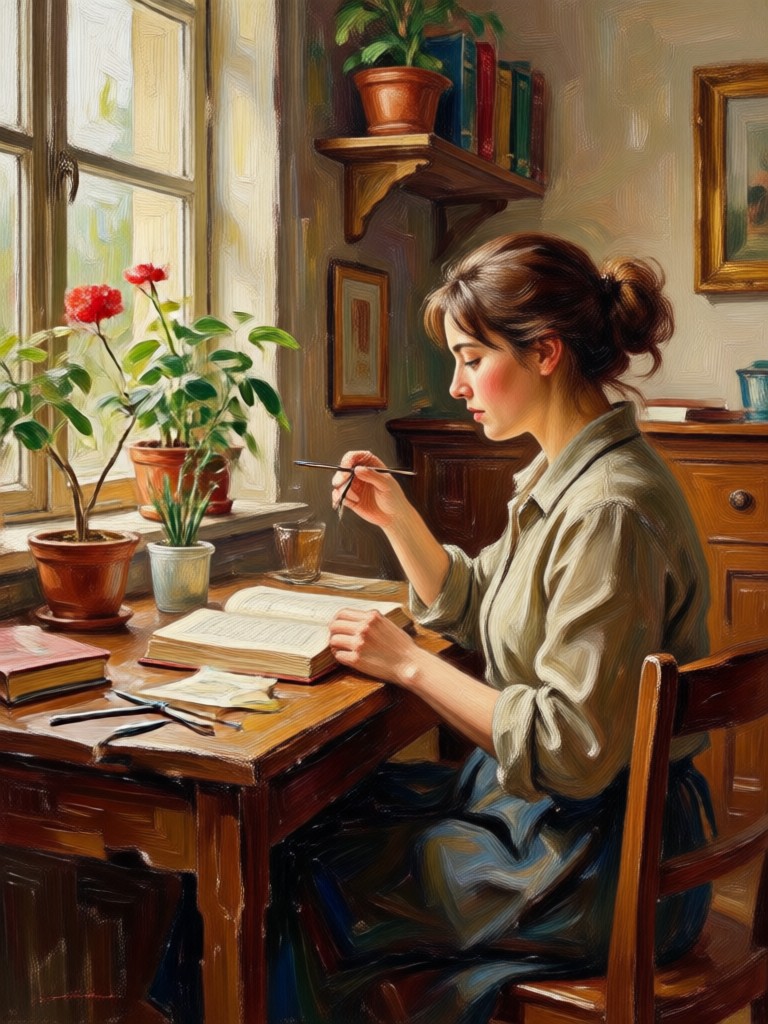
Pick a painterly filter that matches your creative vision. From classical realism to loose impressionism, these presets handle the texture, color, and lighting for you.
Three Ways These Prompts Create Authentic Oil Paintings
Each prompt is designed to guide the AI toward believable paint textures, accurate subject features, and a cohesive art style.
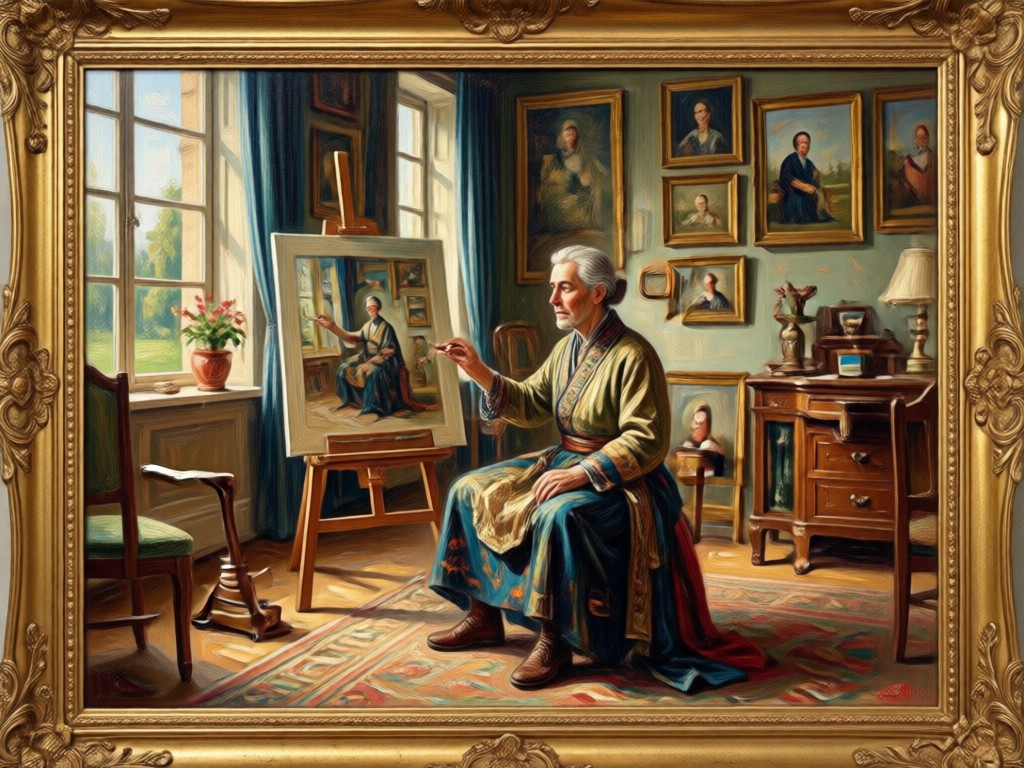
Subject Fidelity
Keep the person, pet, or scene recognizable while the AI applies classical oil painting techniques. The original face and composition remain intact.
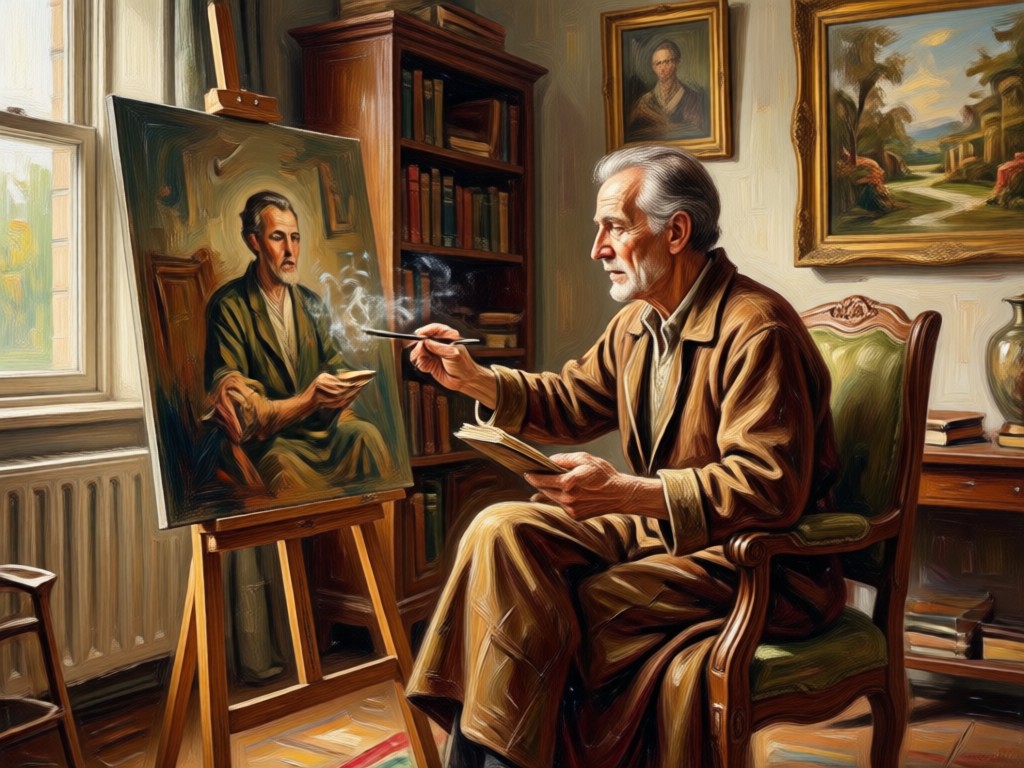
Textured Brushwork
Recreate thick impasto strokes, canvas grain, and subtle varnish sheen. The result feels like a physical painting, not a flat filter.
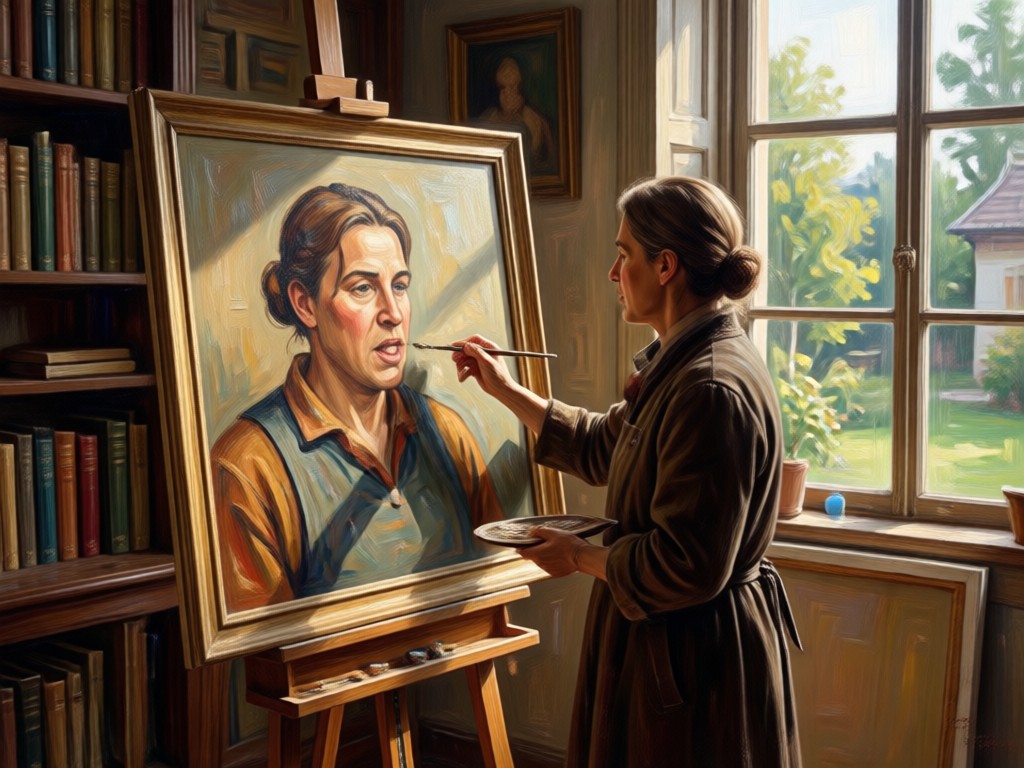
Artistic Atmosphere
Match lighting, color palette, and background detail to a chosen era or movement. Go moody and dark or bright and impressionistic.
Oil Painting Photo Prompt Results
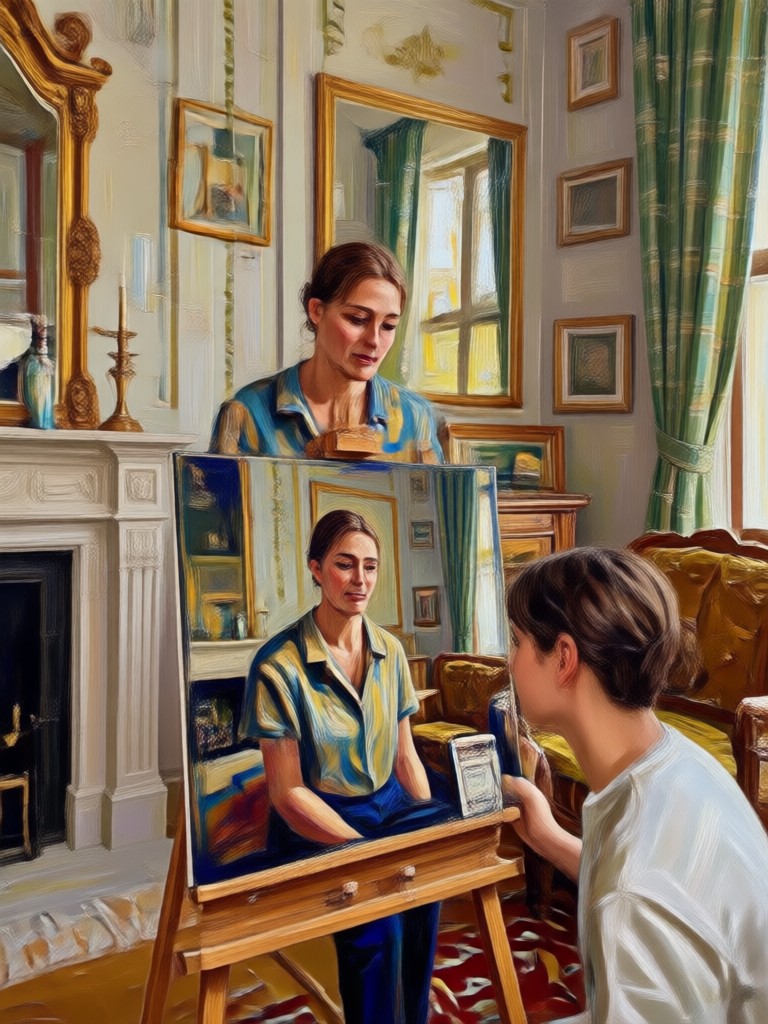
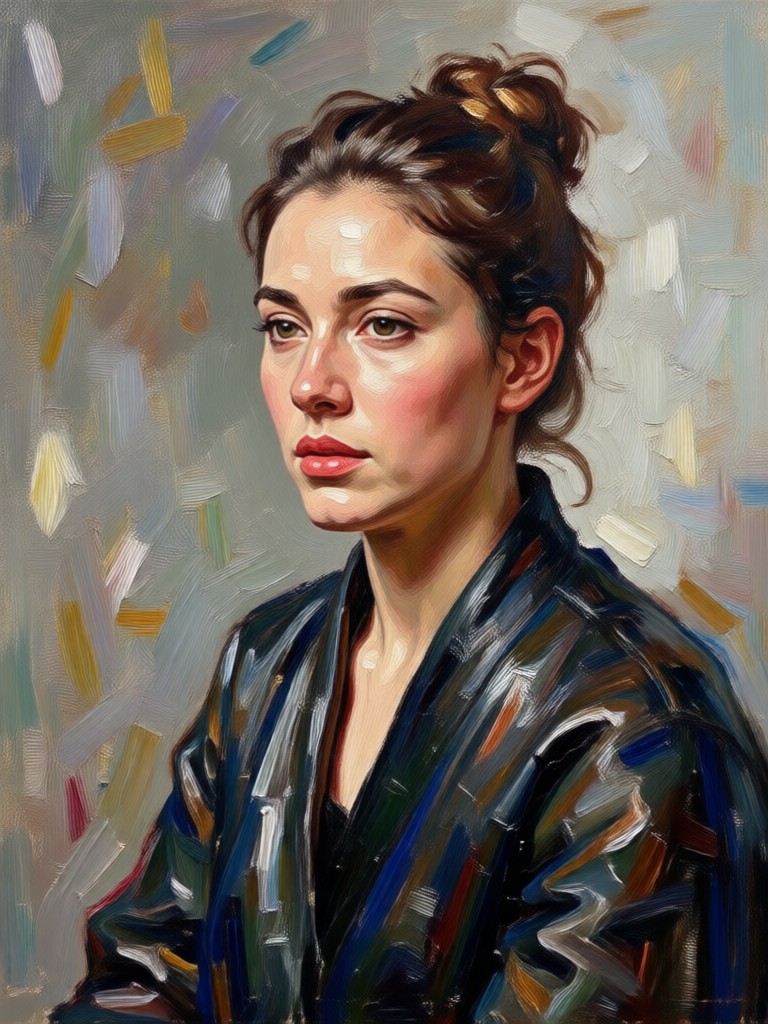
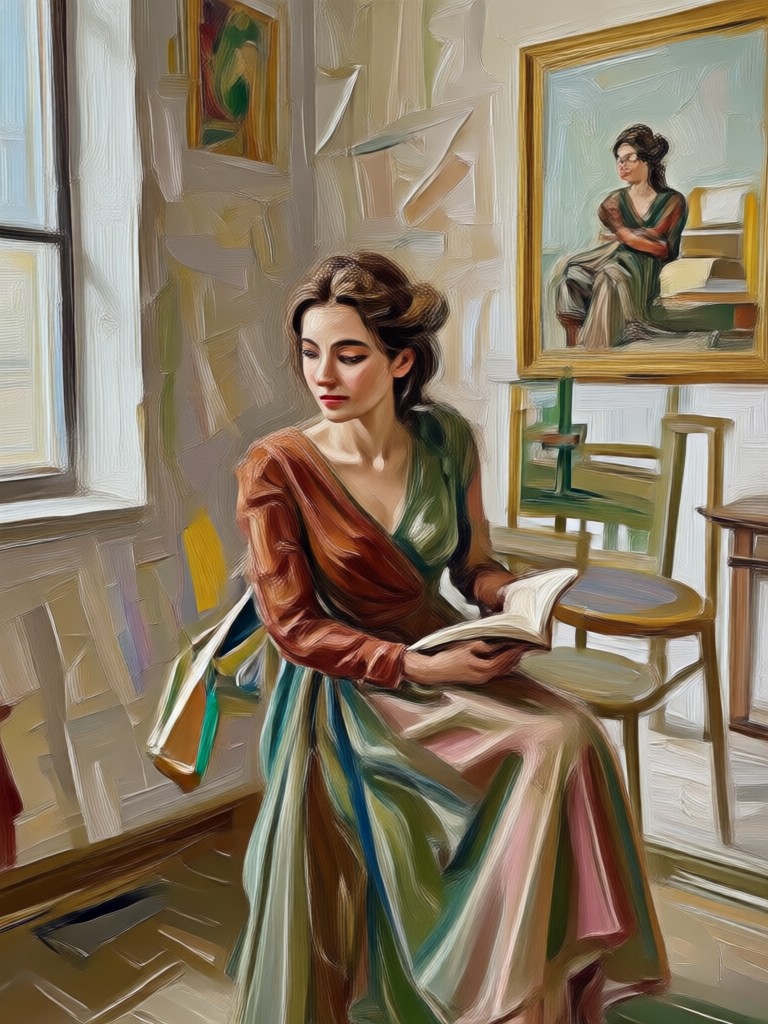
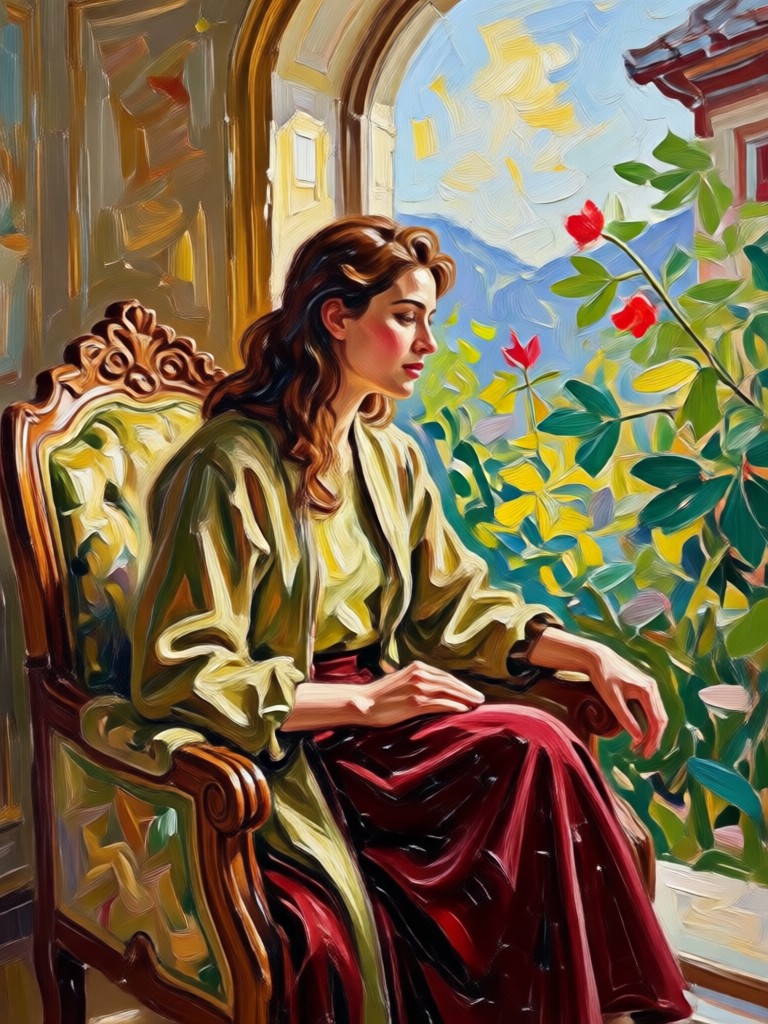
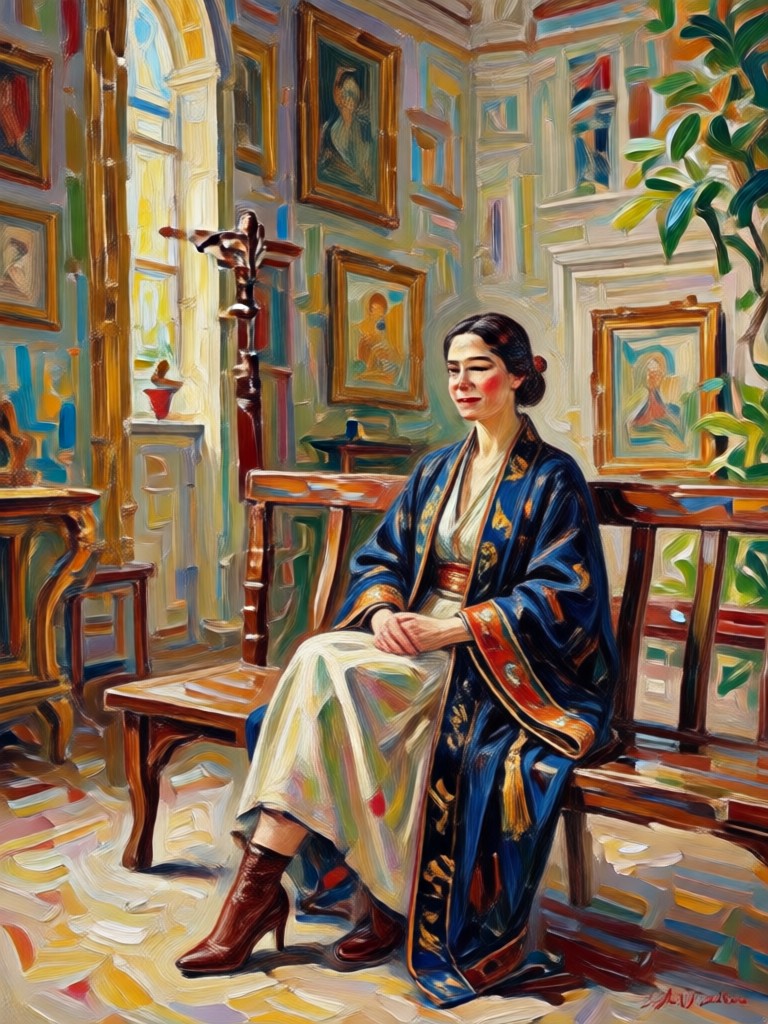
See how custom prompts turn ordinary photos into dramatic, gallery ready oil paintings. These samples combine realistic subject preservation with rich, painterly texture.
How to Use Oil Painting Photo Prompts
Turn a photo into an oil painting in three simple steps using the minimix mobile app.

Step 01.
Download the minimix app from Google Play and open the AI image tools.
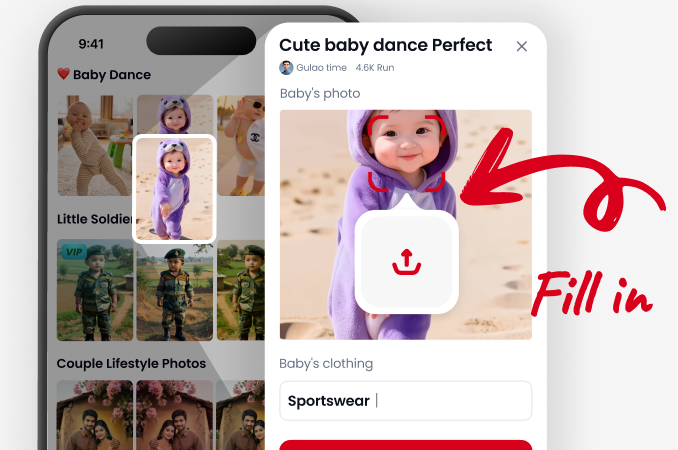
Step 02.
Upload a photo and choose an oil painting filter or type one of the prompt ideas above.
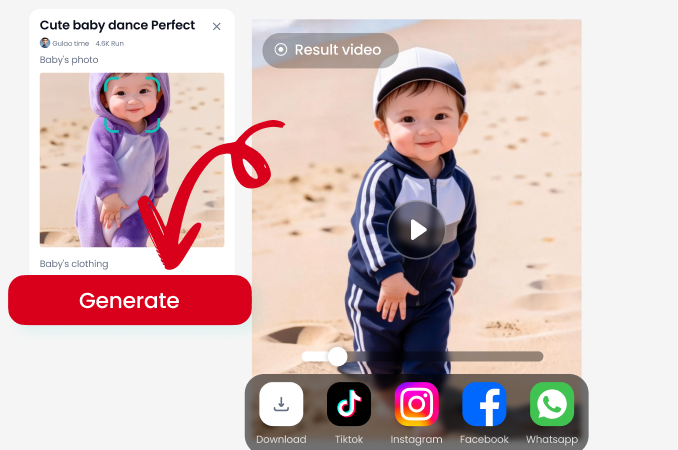
Step 03.
Generate your artwork, adjust intensity if needed, then save or share it anywhere.
Why minimix Excels at Oil Painting Photo Prompts
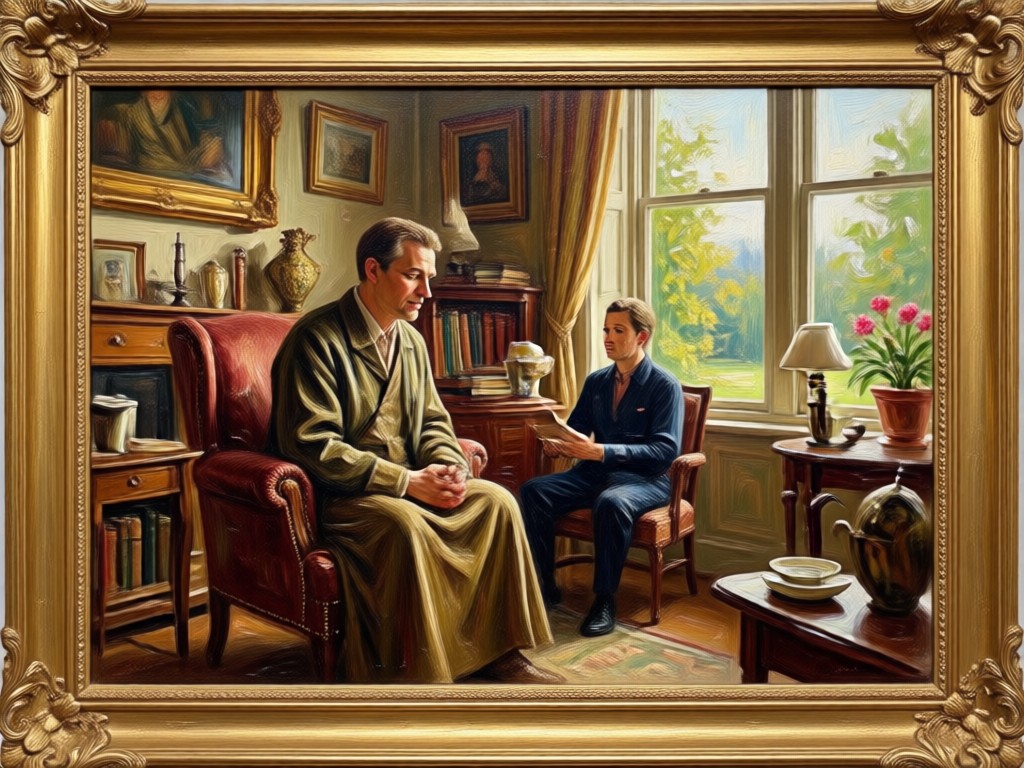
The app combines smart face recognition with an extensive style library, so your prompt produces a natural painted look without losing identity. No advanced prompt engineering or desktop software required.
Why minimix Excels at Oil Painting Photo Prompts
The app combines smart face recognition with an extensive style library, so your prompt produces a natural painted look without losing identity. No advanced prompt engineering or desktop software required.
What Creators Say About minimix Oil Painting Prompts
Finally a painterly look that keeps my face
I used a simple oil painting photo prompt on a selfie and the result looked like a real canvas portrait. The brush texture and colors were exactly what I imagined.
Perfect for family heritage edits
I turned an old group photo into a Victorian oil painting. The prompt preserved every face and added a beautiful vintage varnish effect.
No design skills needed
I typed one of the oil painting photo prompts, picked a filter, and got a museum quality image in seconds. It is now my go to app for painterly edits.
Frequently Asked Questions About Oil Painting Photo Prompts
Quick answers to common questions about turning photos into oil paintings with AI prompts.
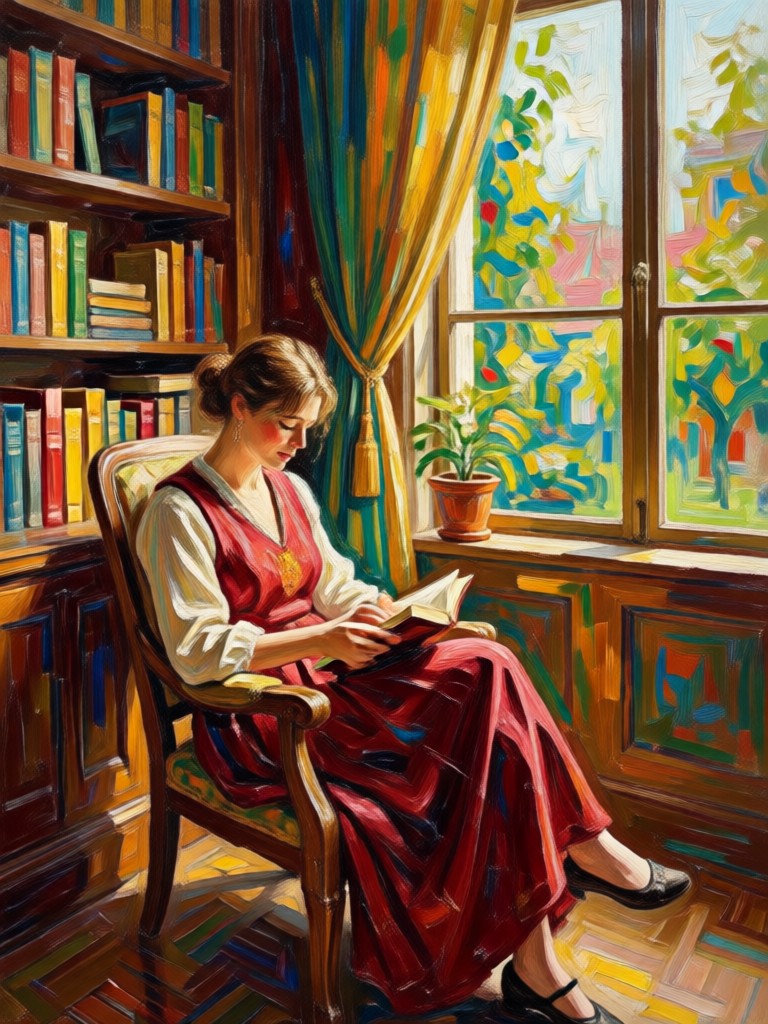
Download minimix to Start Painting With AI
Turn your favorite photos into gorgeous oil paintings right from your phone. The app includes hundreds of painterly filters and intuitive prompts for quick, realistic results.

More Topics You May Like
Explore more topics you may like and discover fresh ideas tailored to your interests.

Off Shoulder Dress Prompt: AI Style Ideas & Looks
Generate stunning off shoulder dress outfits with AI prompts. Enter text or upload a photo, pick a style, and see realistic dress transformations in seconds. No design skills needed.
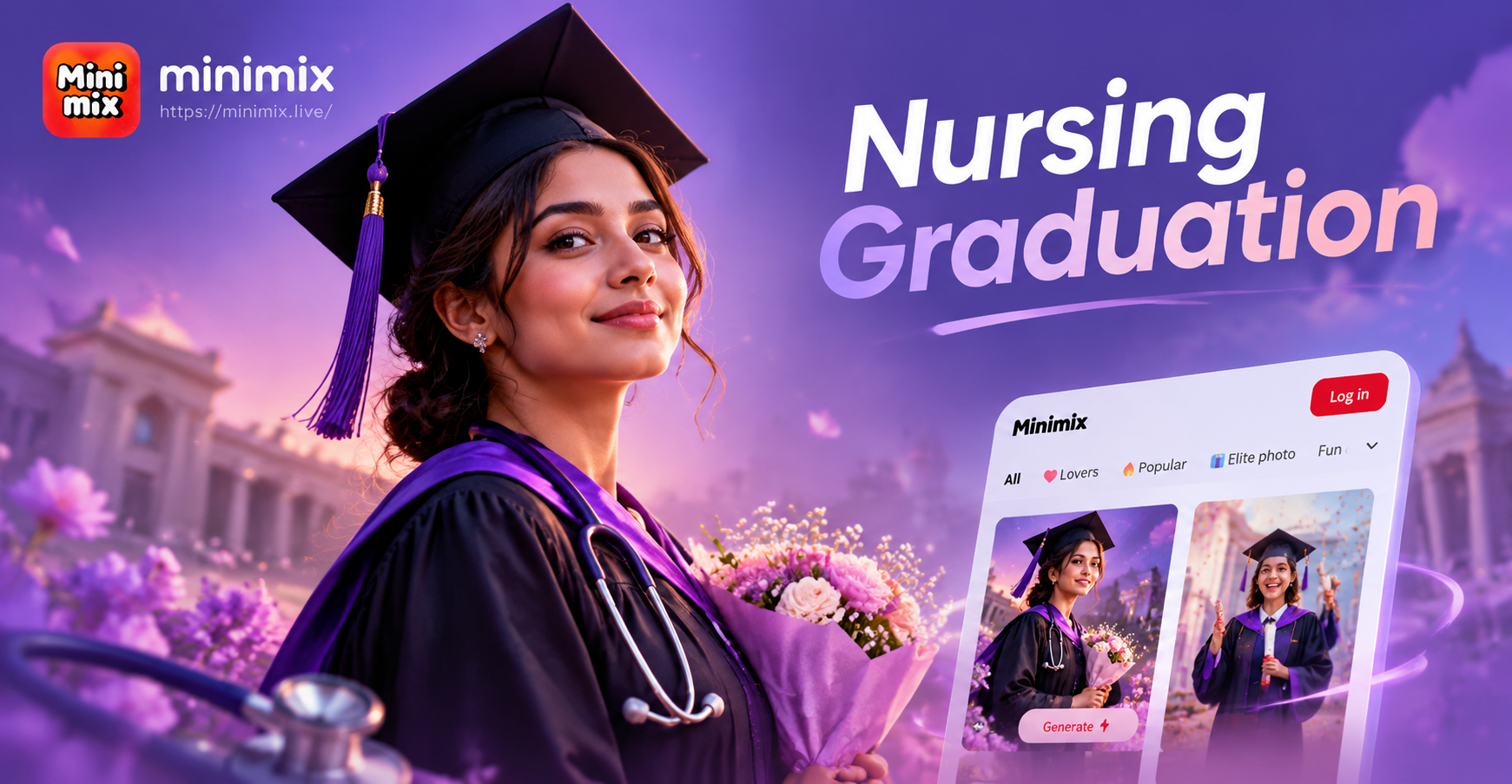
Nursing Graduation Photo Prompts for Stunning AI Portraits
Create beautiful nursing graduation photos with AI. Use our nursing graduation photo prompts to generate professional portraits, nurse cap shots, and celebratory scenes. Download minimix and try free style templates now.

Netflix Style Poster Prompts: Create Cinematic Art with AI
Get Netflix Style Poster Prompts for AI image generation. Create dramatic, cinematic posters with minimix. Copy prompts, choose a style, and generate in seconds.
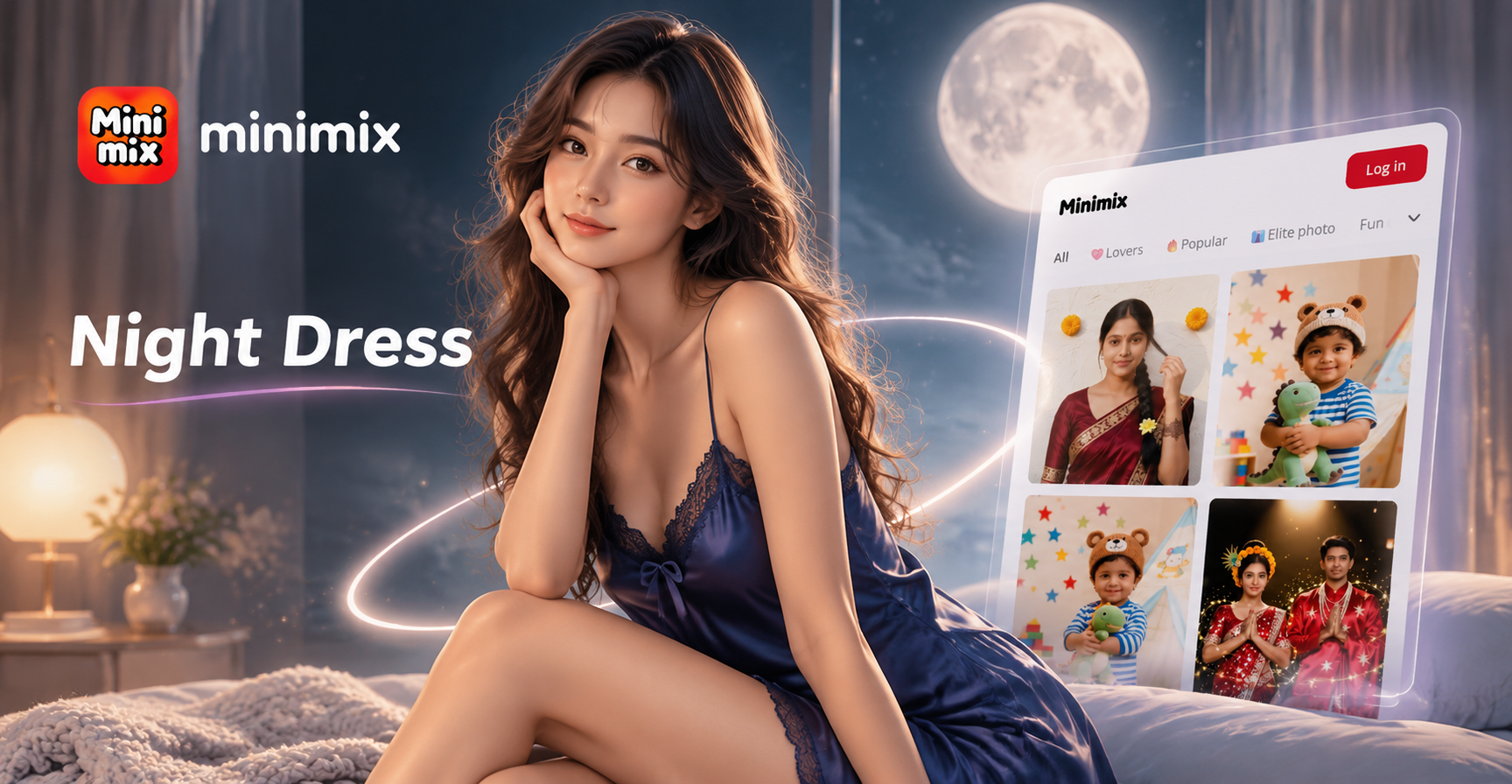
Night Dress Prompt: Create Stunning AI Fashion Designs
Generate elegant night dress designs with AI. Explore night dress prompt ideas from silk gowns to lace evening wear. Create stunning looks fast.
Turn a Photo Into a Masterpiece
Download minimix, paste an oil painting photo prompt, and create gallery worthy art in seconds. No brushes, no canvas, no experience required.
Turn a Photo Into a Masterpiece
Download minimix, paste an oil painting photo prompt, and create gallery worthy art in seconds. No brushes, no canvas, no experience required.