Pharmacist Photo Prompts for Every Creative Vision
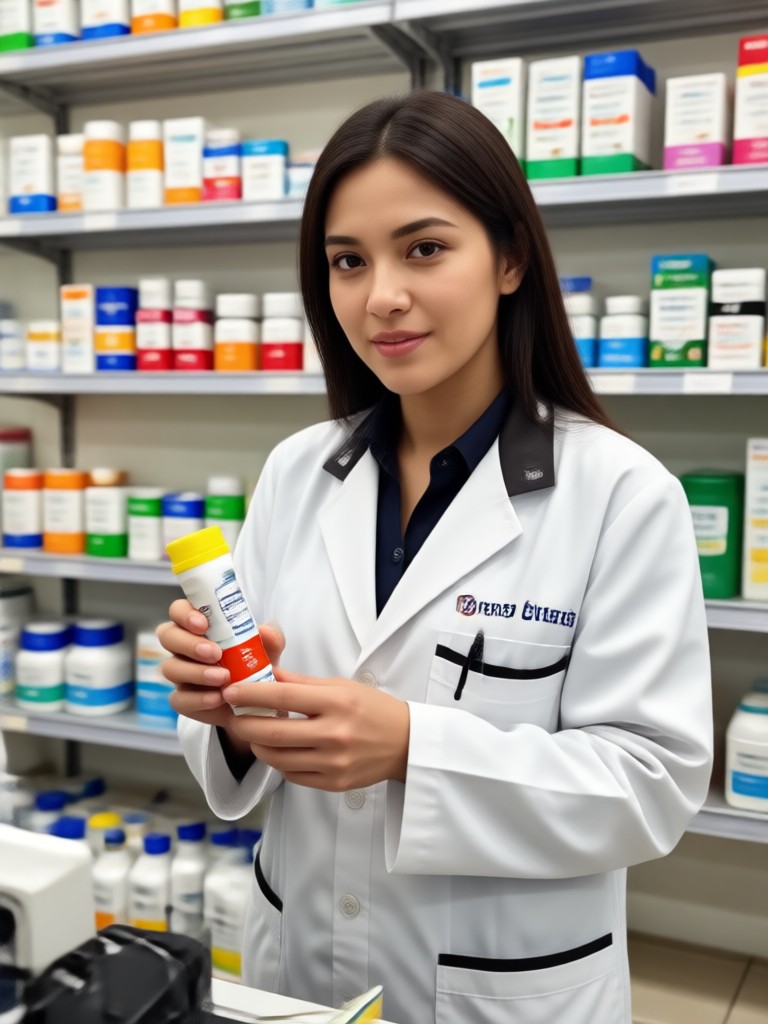
Choose the Style That Fits Your Pharmacist Vision
Match your creative intent with the right minimix filter. Go photorealistic for corporate headshots, choose anime or clay for social media fun, or apply cinematic filters for editorial storytelling.
Transform Your Pharmacist Photo Ideas
From professional headshots to fantasy apothecary scenes, minimix handles the heavy lifting. Generate original images or enhance your existing photos with reference mode for unmatched accuracy.
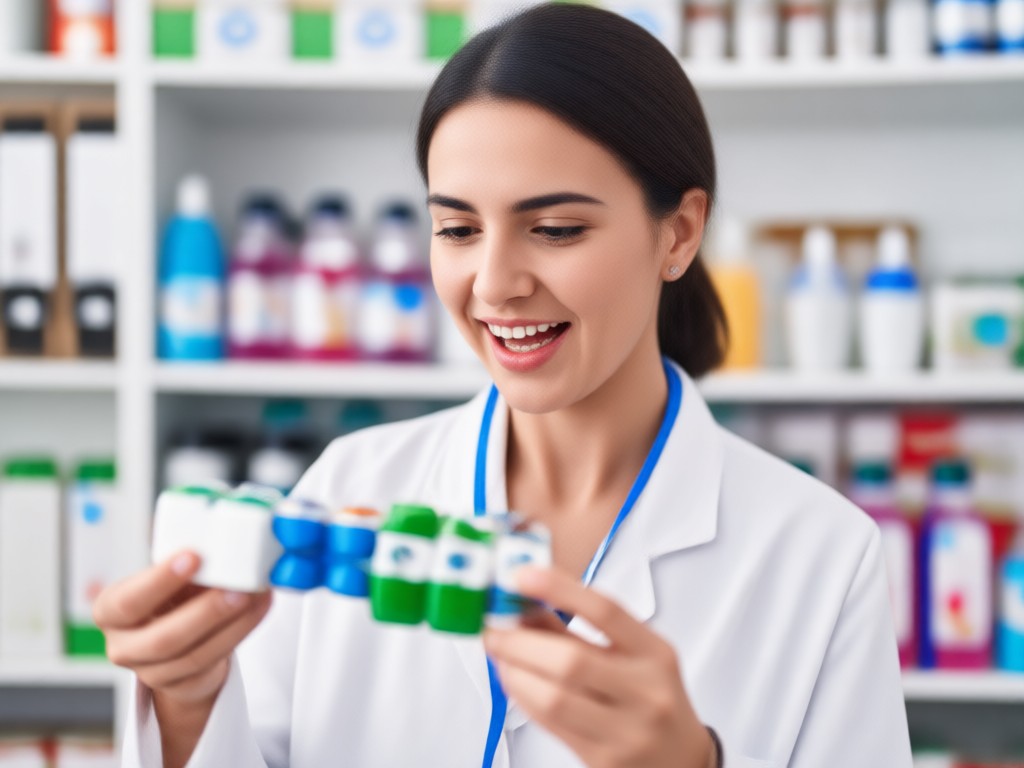
Professional Headshots
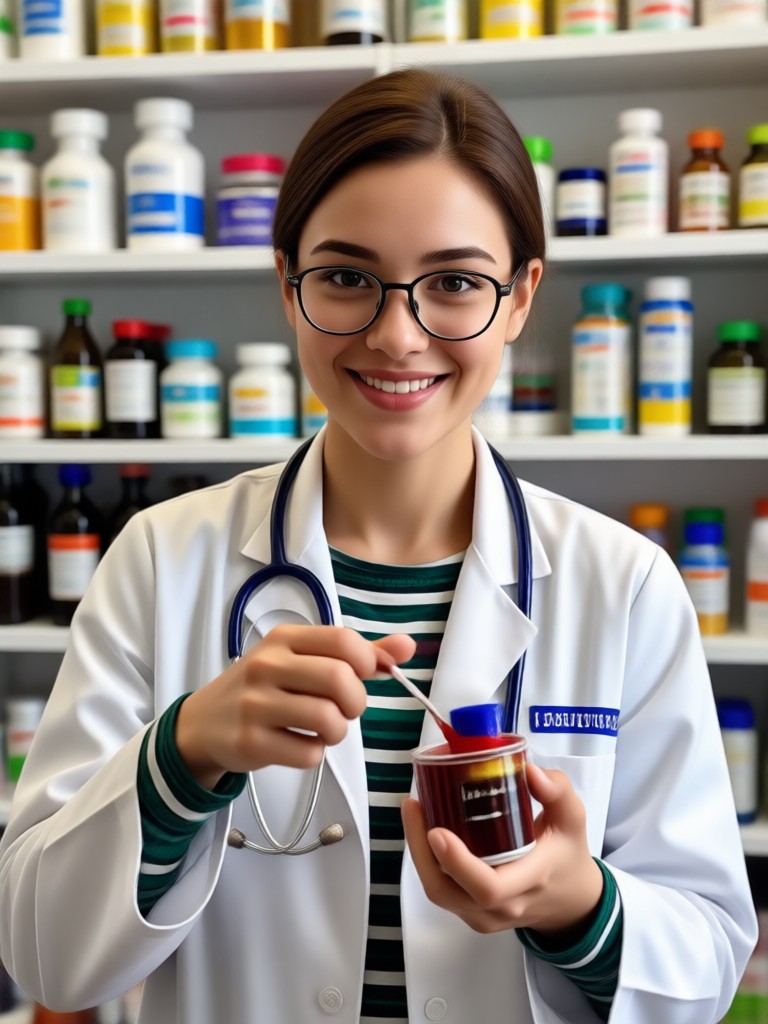
Create polished pharmacist portraits with neutral backgrounds, studio lighting, and flattering poses perfect for LinkedIn or staff profiles.

Editorial Scenes
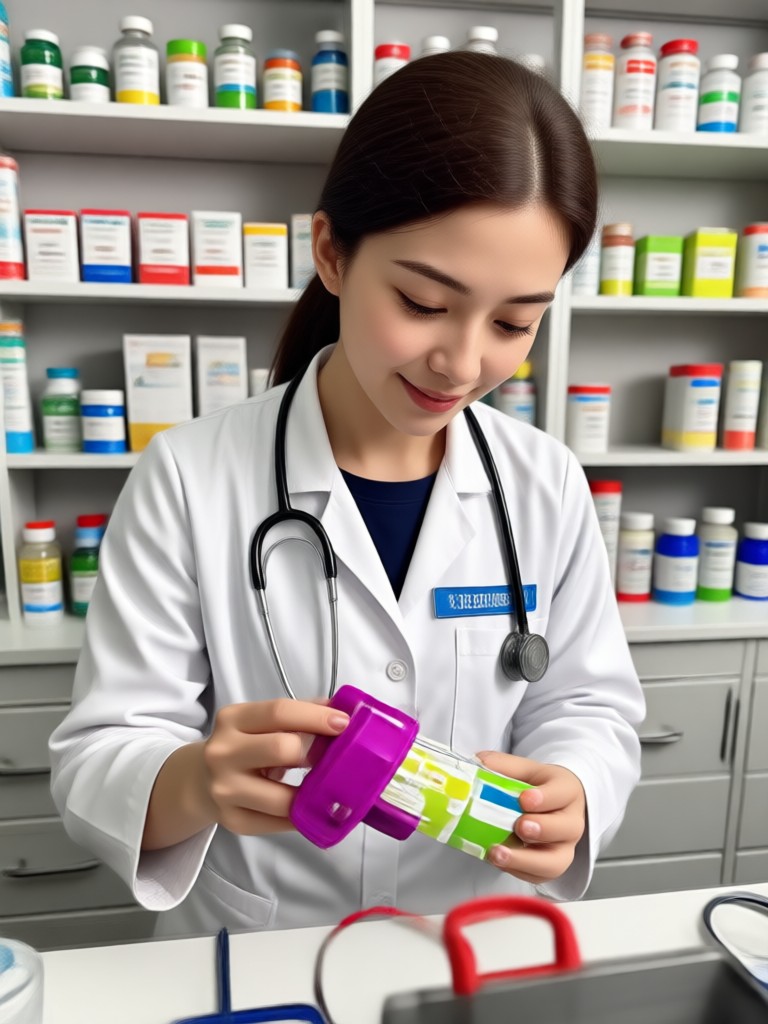
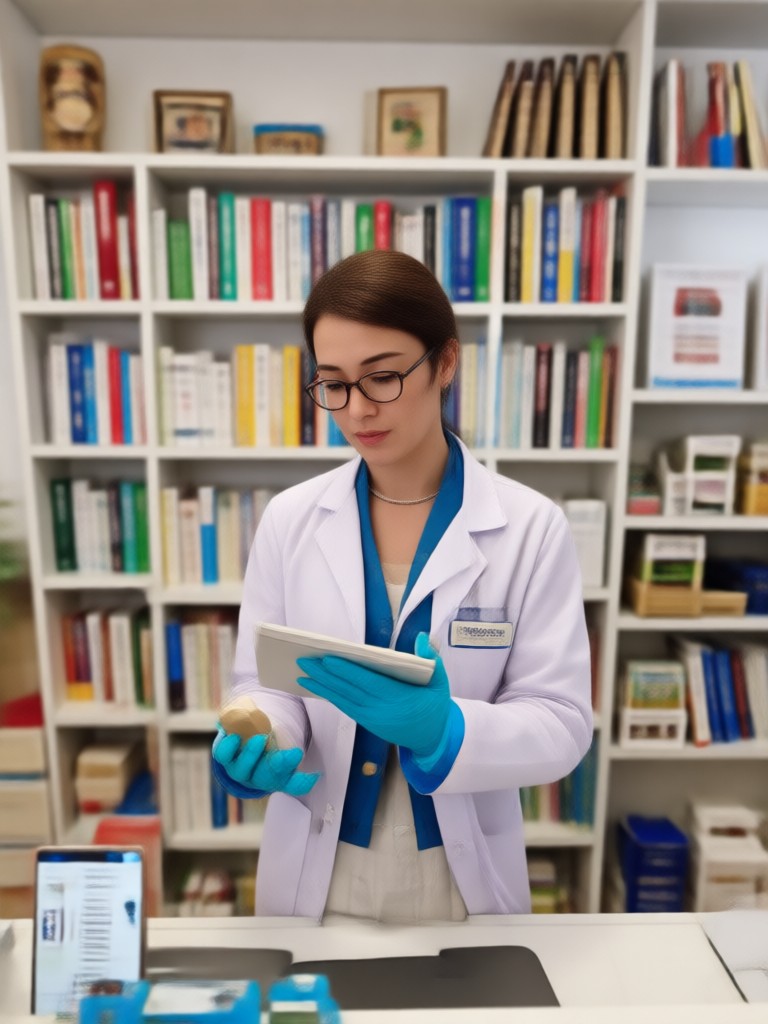
Tell a story with cinematic lighting, realistic pharmacy settings, and lifestyle compositions that showcase the daily work of a pharmacist.

Stylized Avatars
Turn yourself or a character into a pharmacist with anime, Ghibli, 3D clay, or watercolor filters. Keep your features while changing the entire aesthetic.
How to Use Pharmacist Photo Prompts
Turn a simple text prompt into a high-quality pharmacist image in three easy steps using the minimix mobile app.

Step 01.
Download the minimix app from Google Play and open the AI Image Generator tool.
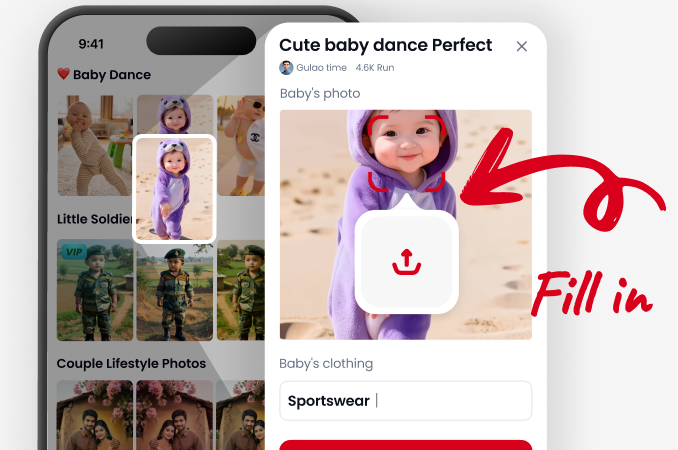
Step 02.
Copy one of our Pharmacist Photo Prompts or write your own. Paste it into the text field and select a style filter like Realistic or Anime.
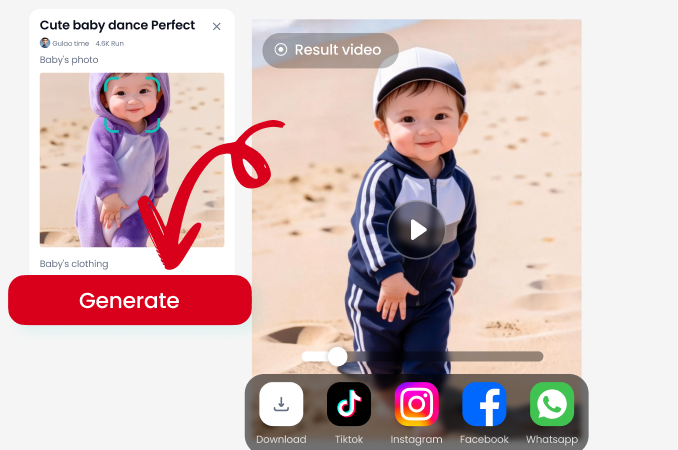
Step 03.
Tap Generate. In seconds your pharmacist image will be ready. Save it to your device or share it directly to social media.
Examples of Pharmacist Photo Prompt Results
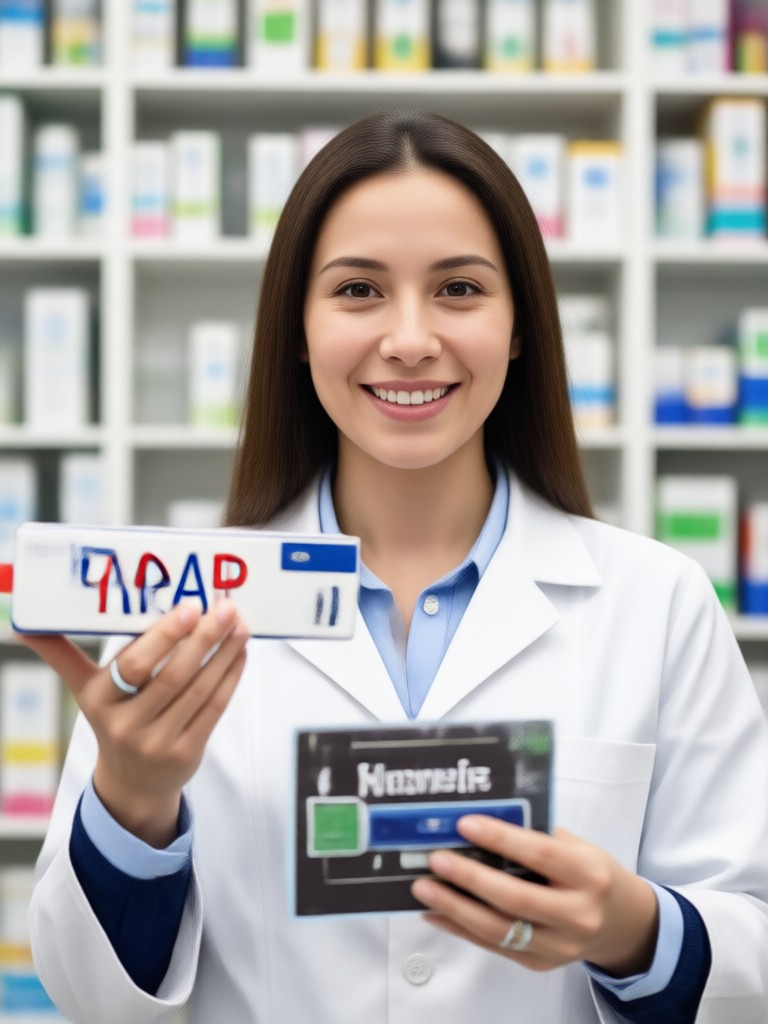
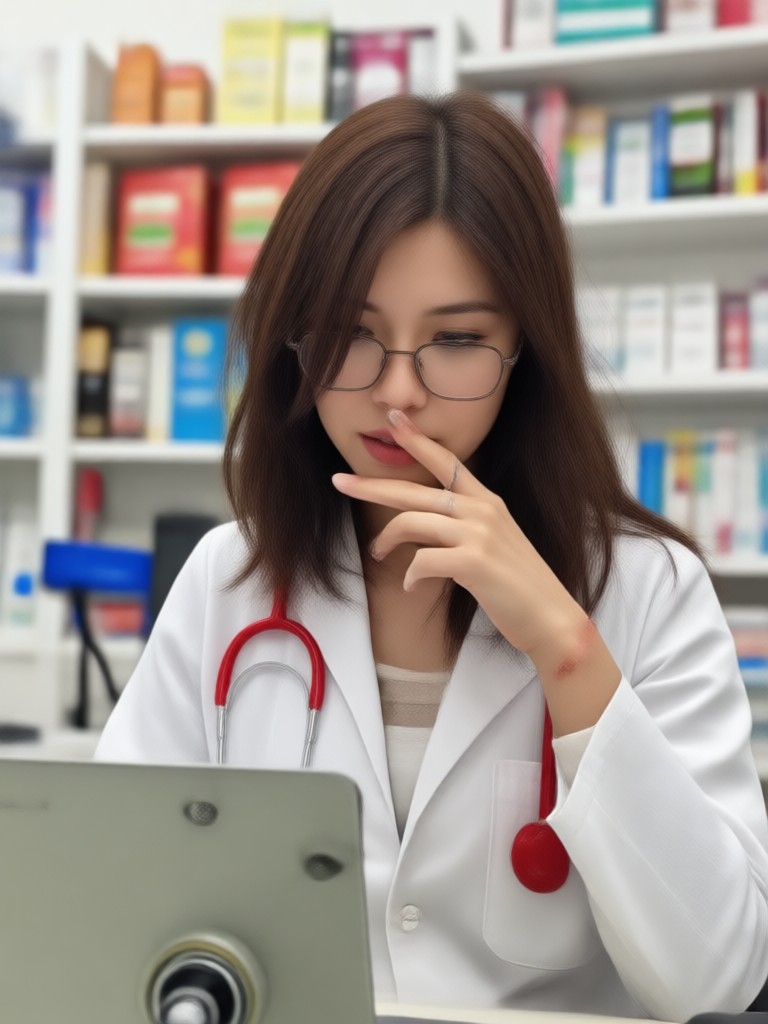
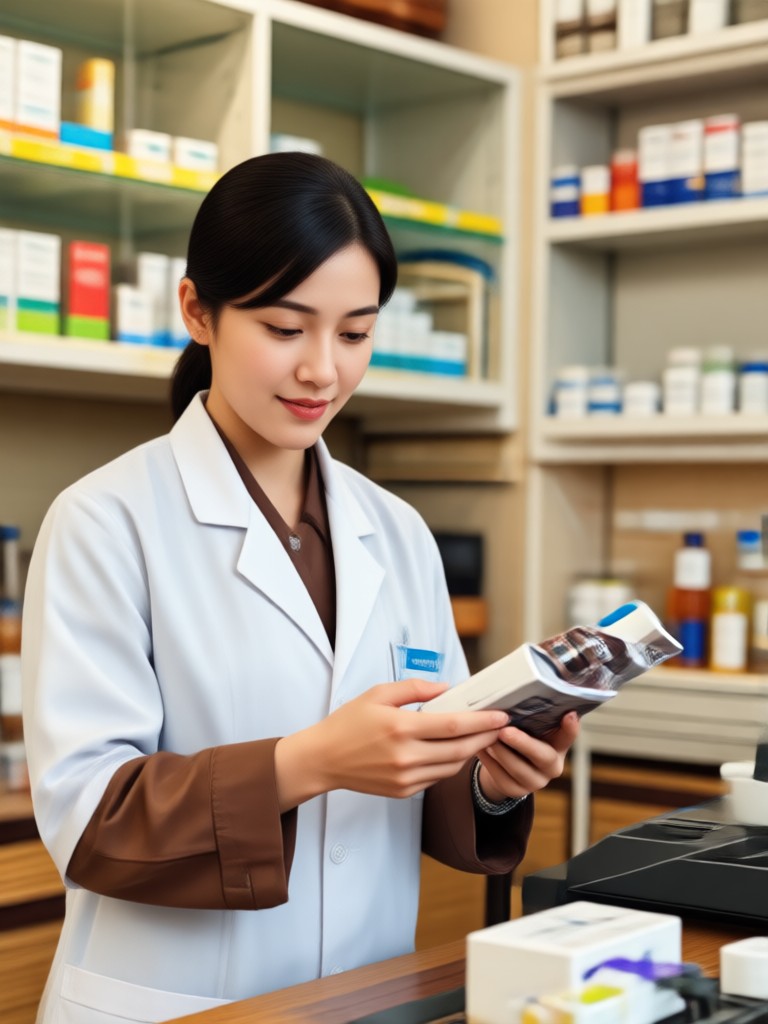
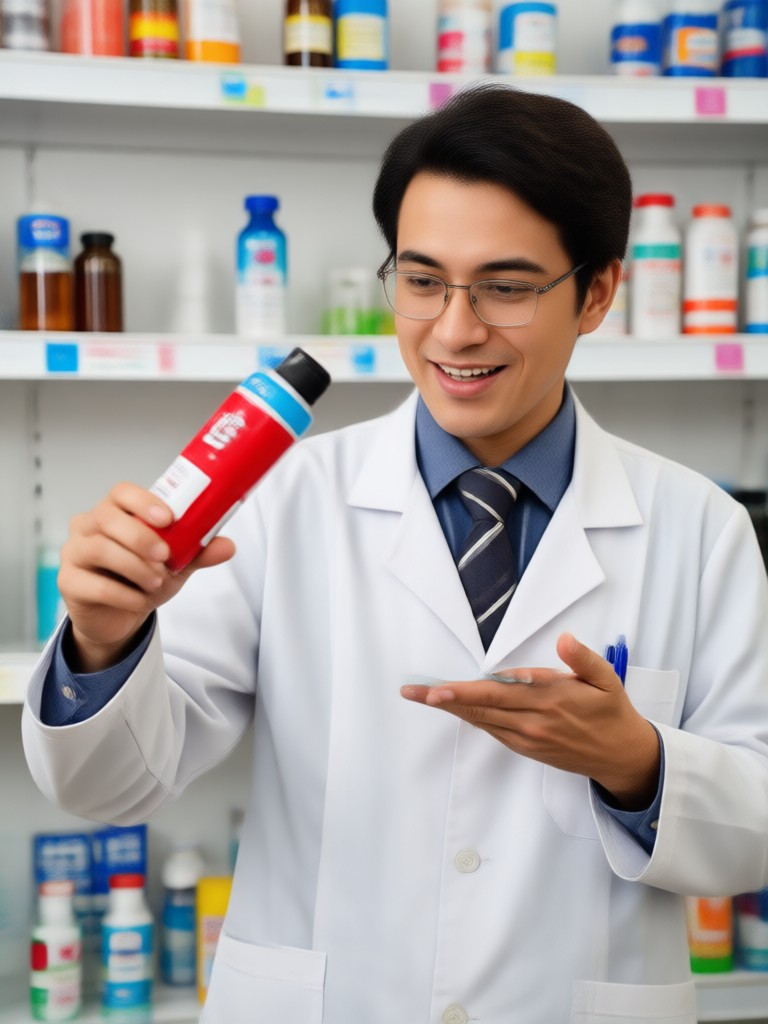
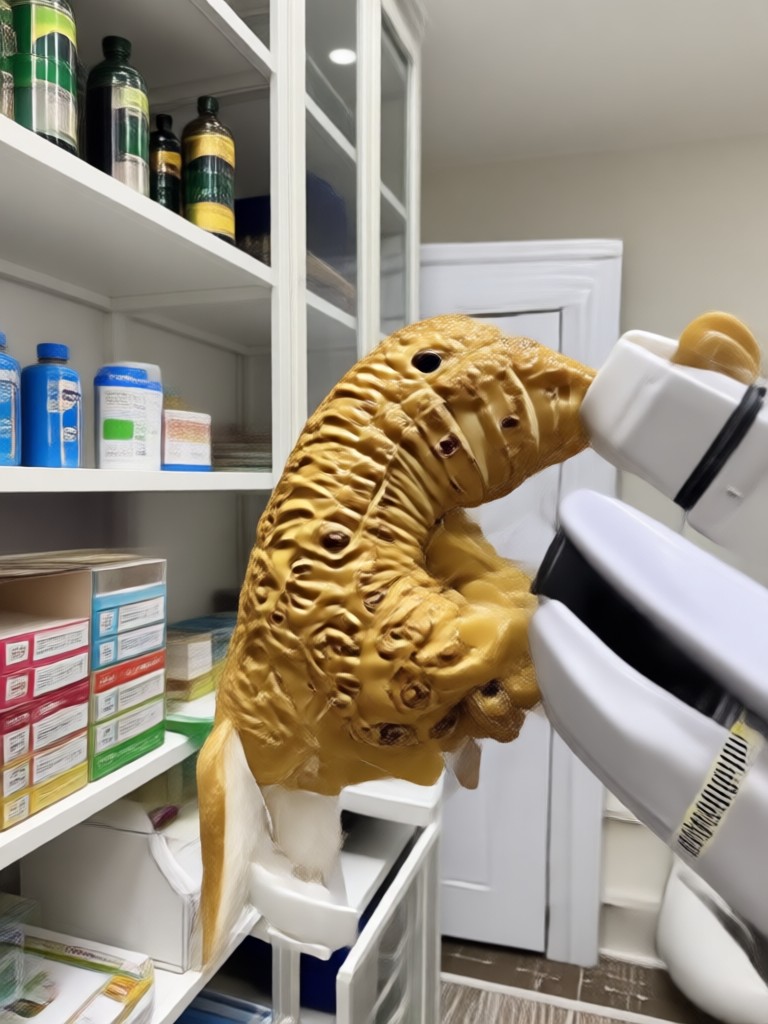
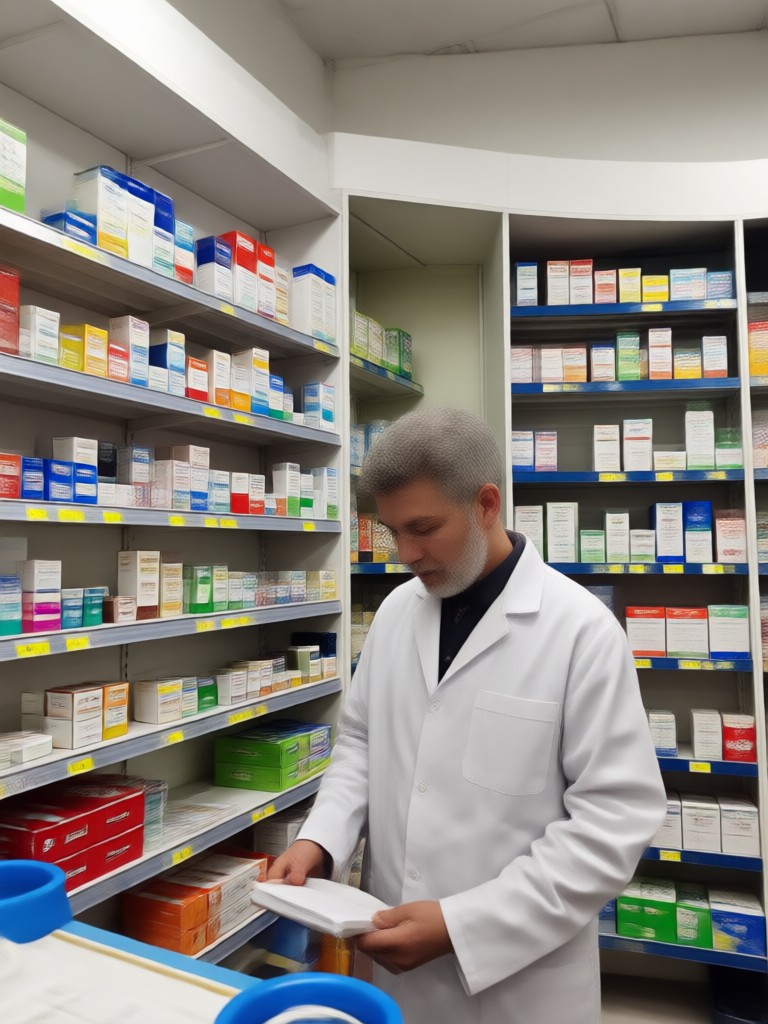
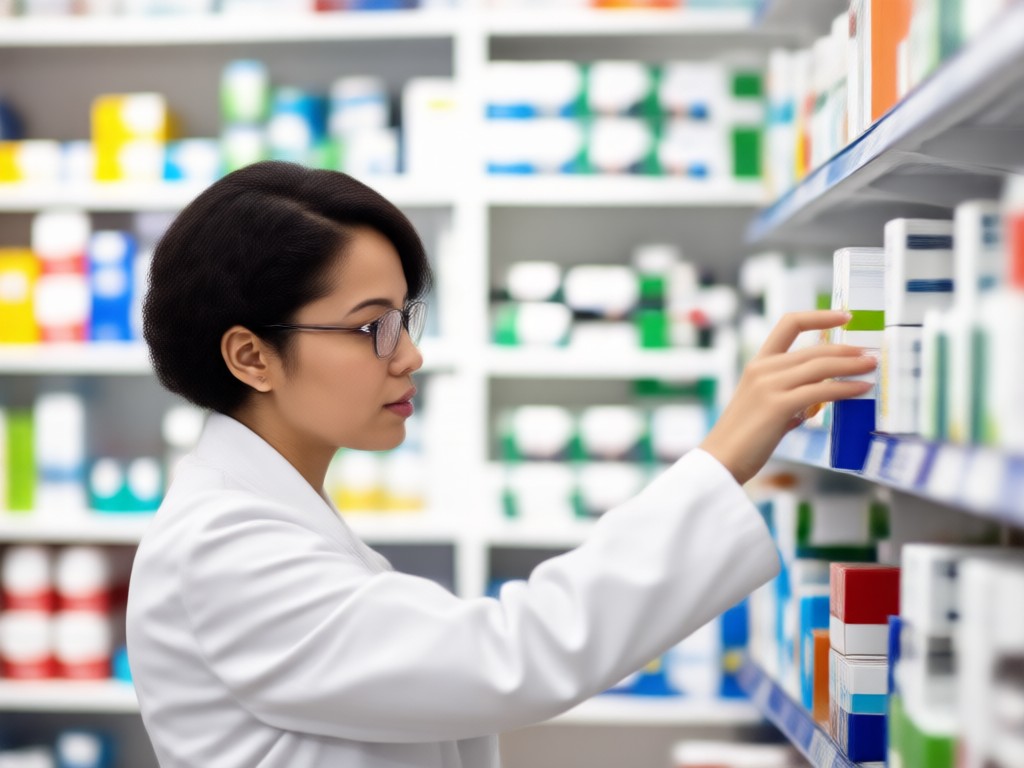
See the variety of pharmacist images you can create with minimix. From clean clinical portraits to whimsical apothecary illustrations, the possibilities are endless.


Why minimix is Best for Pharmacist Photo Prompts
Stop struggling with complex prompt engineering. minimix simplifies AI image creation with one-tap style filters and smart prompting. Get professional results even if you have never used an AI tool before. Upload a photo of yourself and become a pharmacist in your favorite style instantly.
Frequently Asked Questions About Pharmacist Photo Prompts
Get quick answers about creating pharmacist-themed images with minimix and how to make the most of your prompts.
More Topics You May Like
Explore similar AI photo prompt guides and style resources to expand your creative toolkit.
Cute Pet Photography Photo Prompts: Easy AI Ideas
Pastel Painting Prompt Ideas for Soft AI Art
Paris Vacation Photo Prompts for Stunning AI Images
Paris Travel Poster Prompts for Stunning AI Art
Cute Pet Photography Photo Prompts: Easy AI Ideas
Pastel Painting Prompt Ideas for Soft AI Art
Paris Vacation Photo Prompts for Stunning AI Images
Paris Travel Poster Prompts for Stunning AI Art
Turn Pharmacist Photo Prompts into Reality
Download minimix from Google Play and start creating professional pharmacist portraits, creative avatars, and cinematic scenes today.

Turn Pharmacist Photo Prompts into Reality
Download minimix from Google Play and start creating professional pharmacist portraits, creative avatars, and cinematic scenes today.