Photo Prompt For Camera Angles
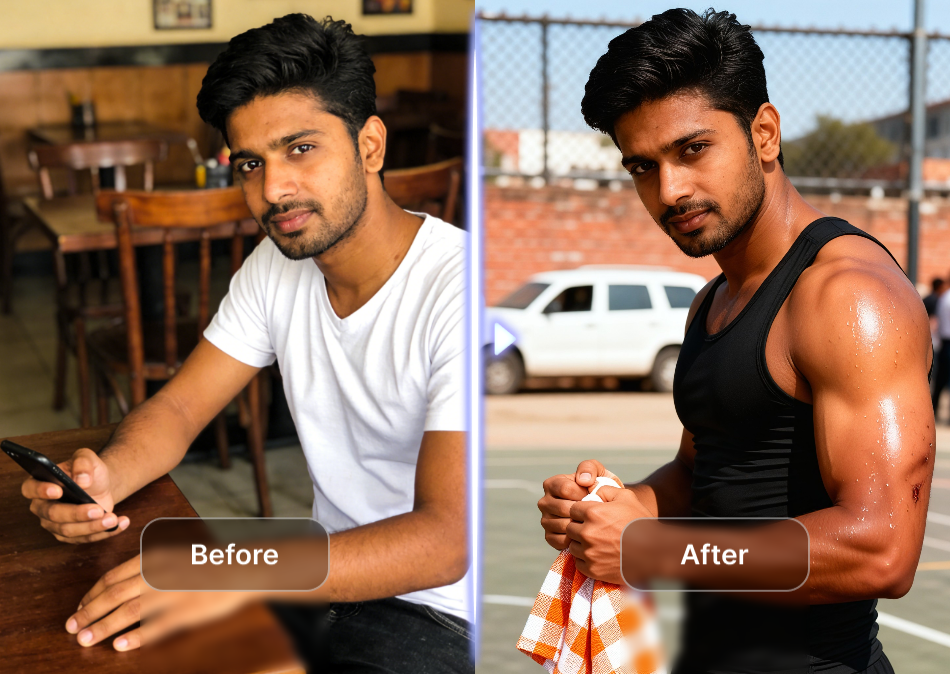
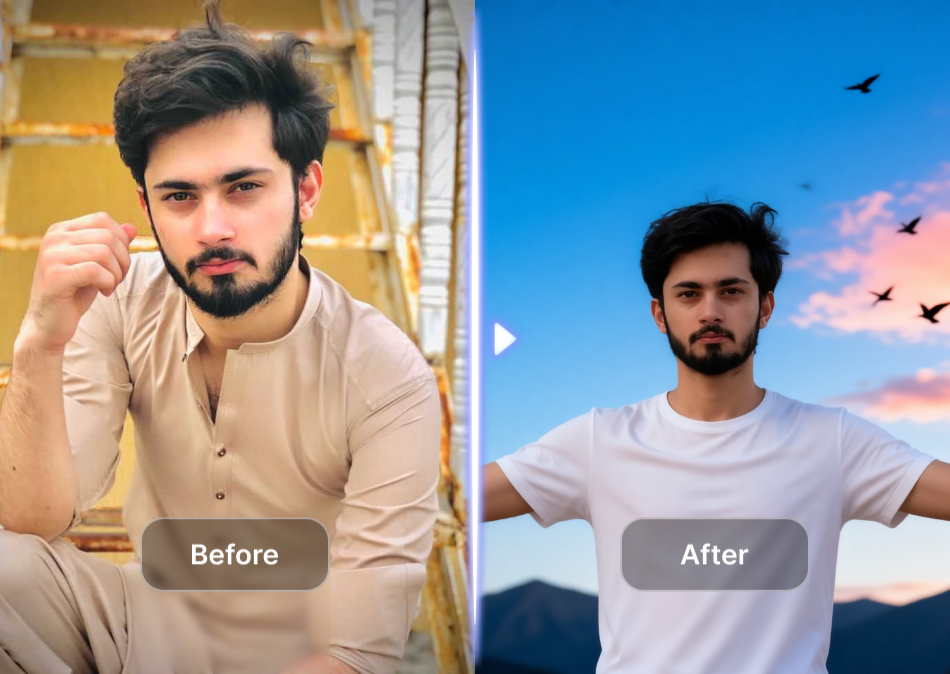
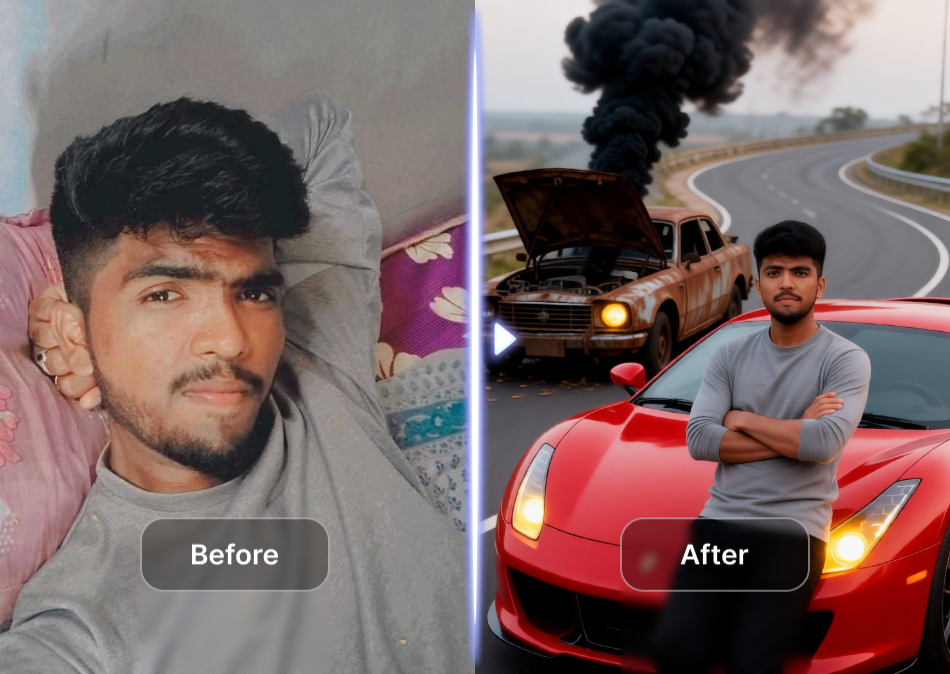
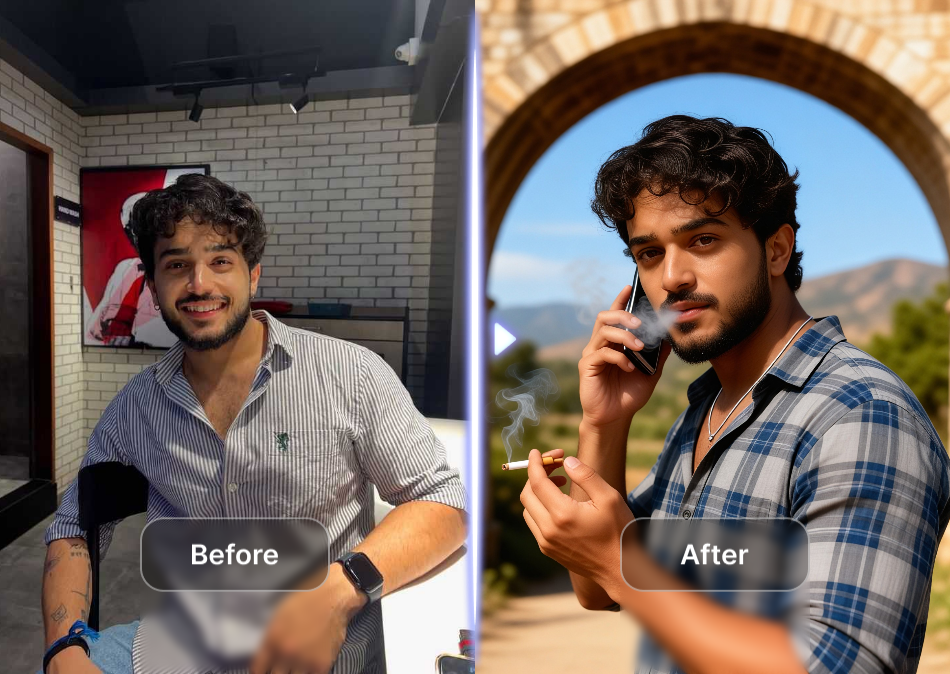
Choose a Style Filter for Your Camera Angle Prompts
Pair any camera angle prompt with a matching style template, from cinematic realism to anime or 3D clay. Find the look that fits your shot.
Camera Angle Prompts That Shape Every Frame
Use these photo prompt categories to control perspective, mood, and storytelling in your AI generated images. Each angle changes how viewers feel about the scene.
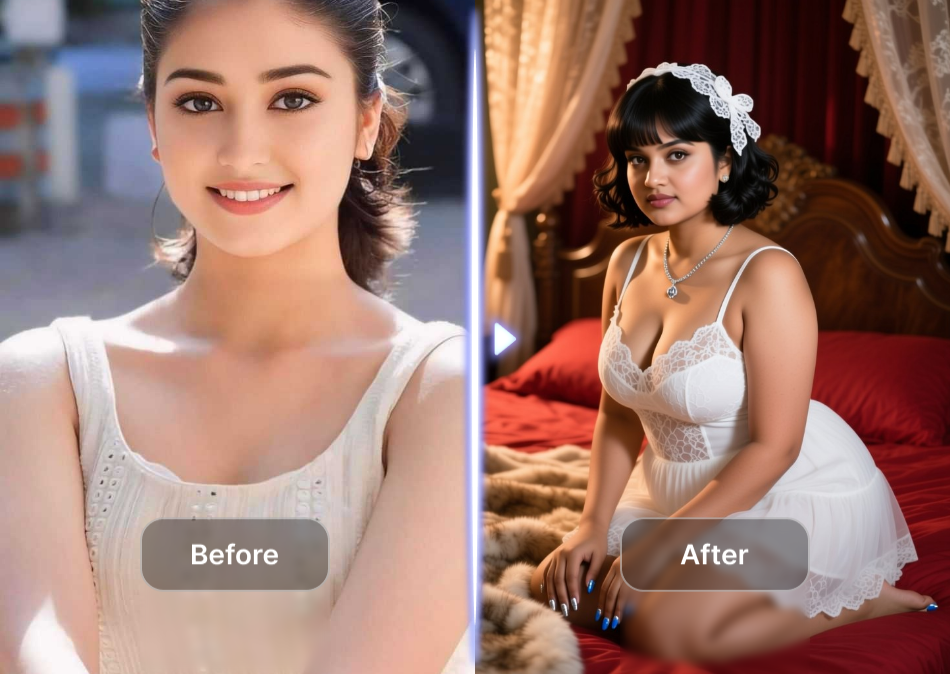
High Angle Prompts
Look down on your subject to make it feel small, vulnerable, or part of a larger world. Ideal for aerial views and storytelling shots.
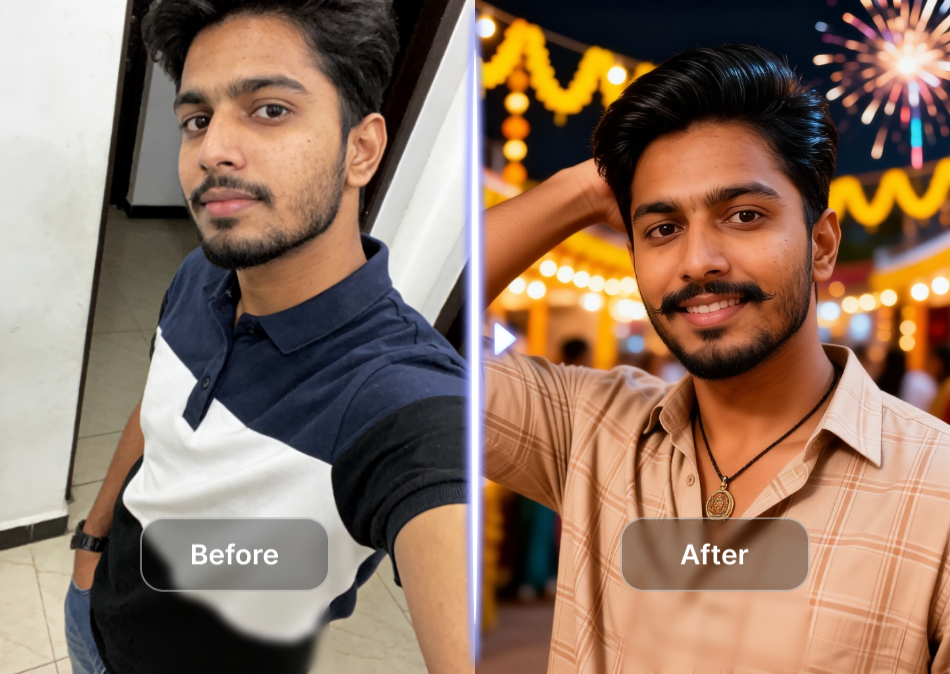
Low Angle Prompts
Shoot upward to add power, scale, and drama. Perfect for hero shots, architecture, and larger than life characters.
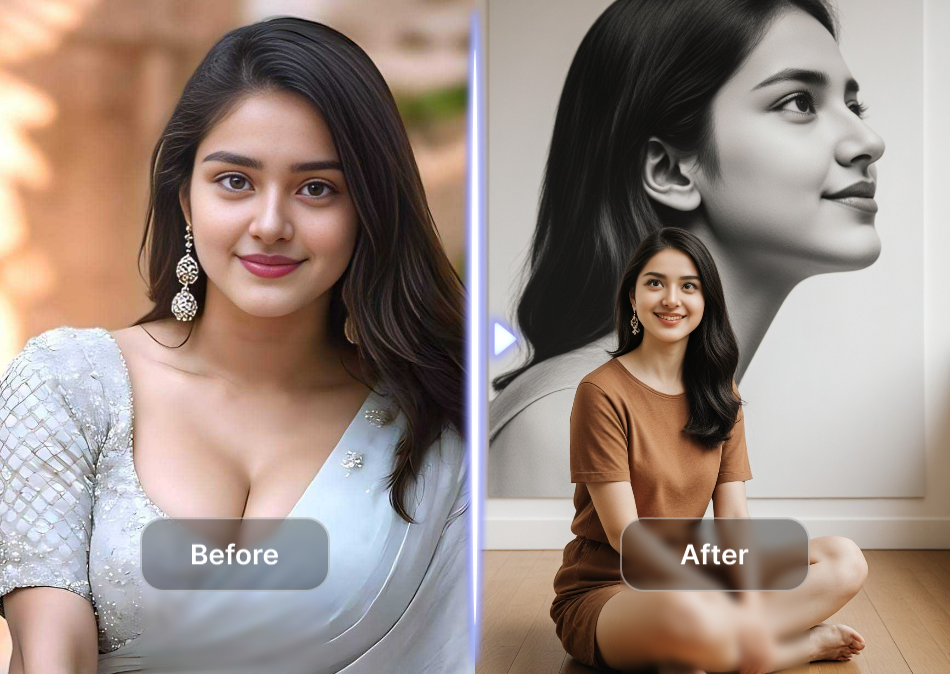
Dutch Angle Prompts
Tilt the horizon to create tension, unease, or dynamic energy. Great for portraits, action scenes, and experimental compositions.
Camera Angle Prompt Examples for Download
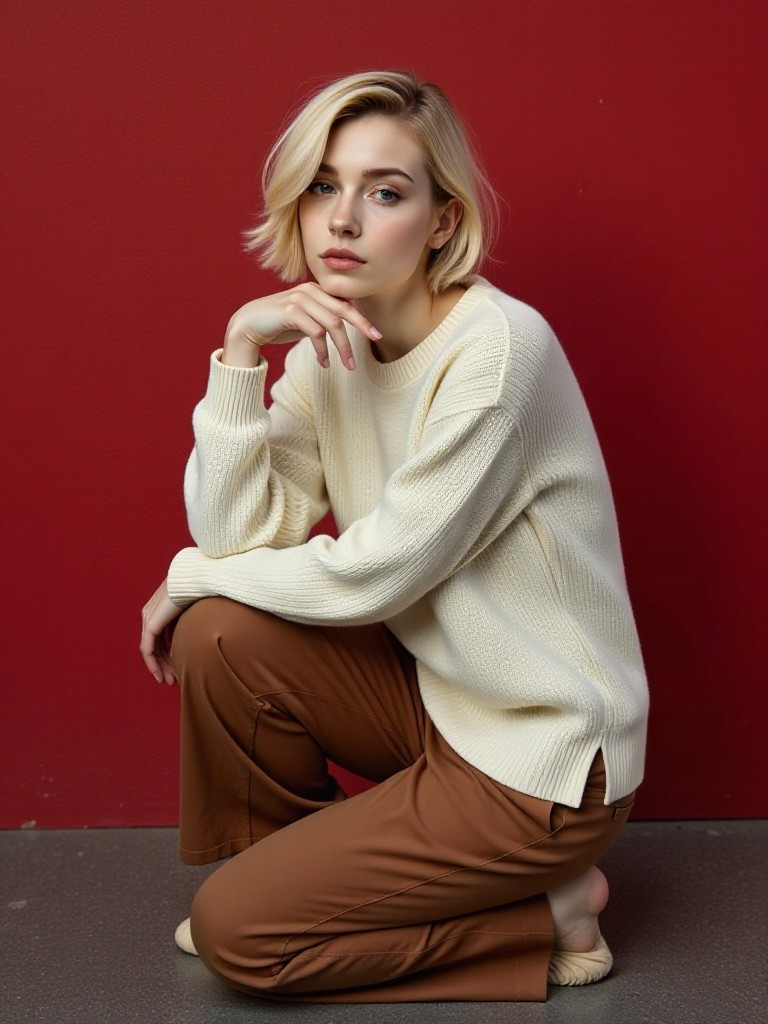
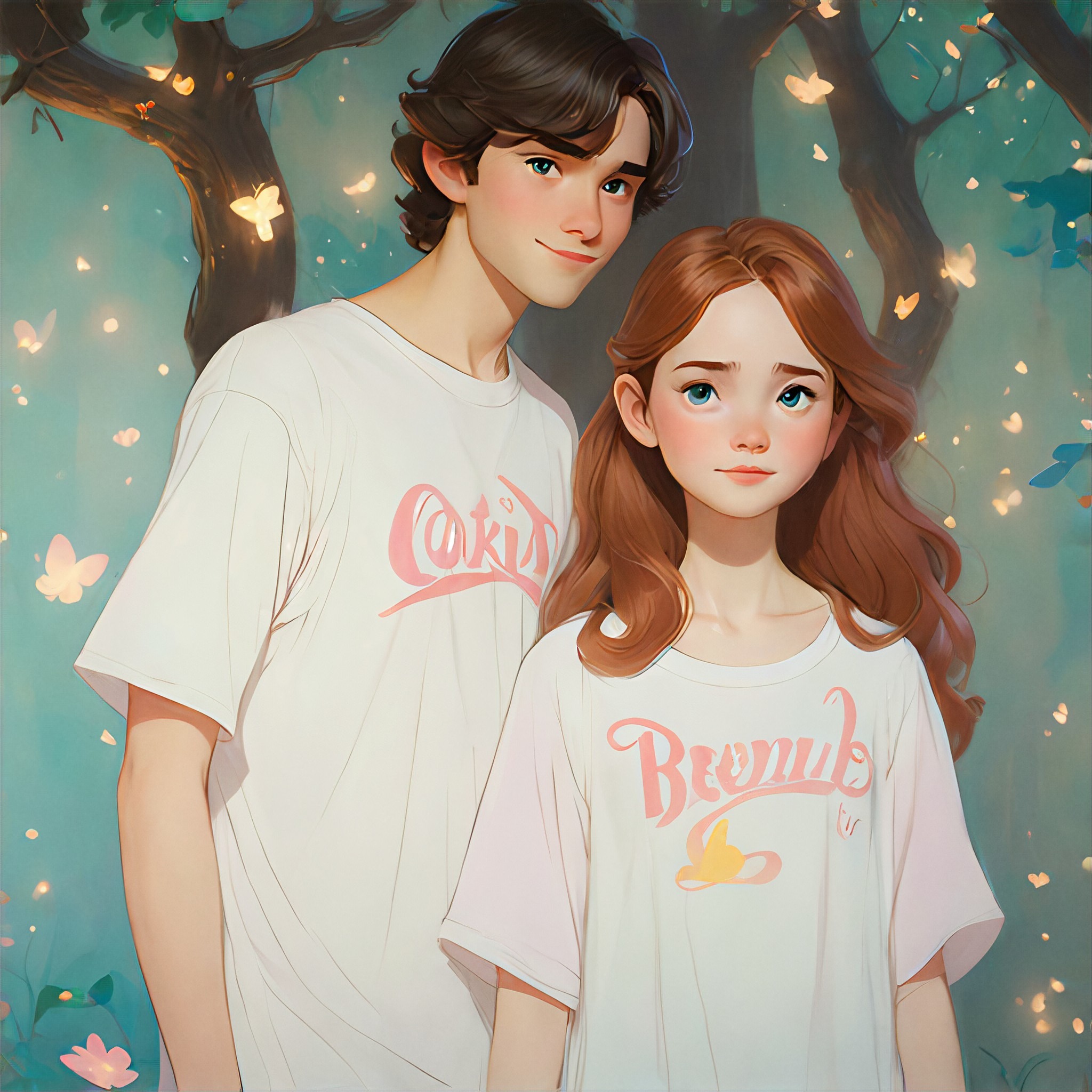
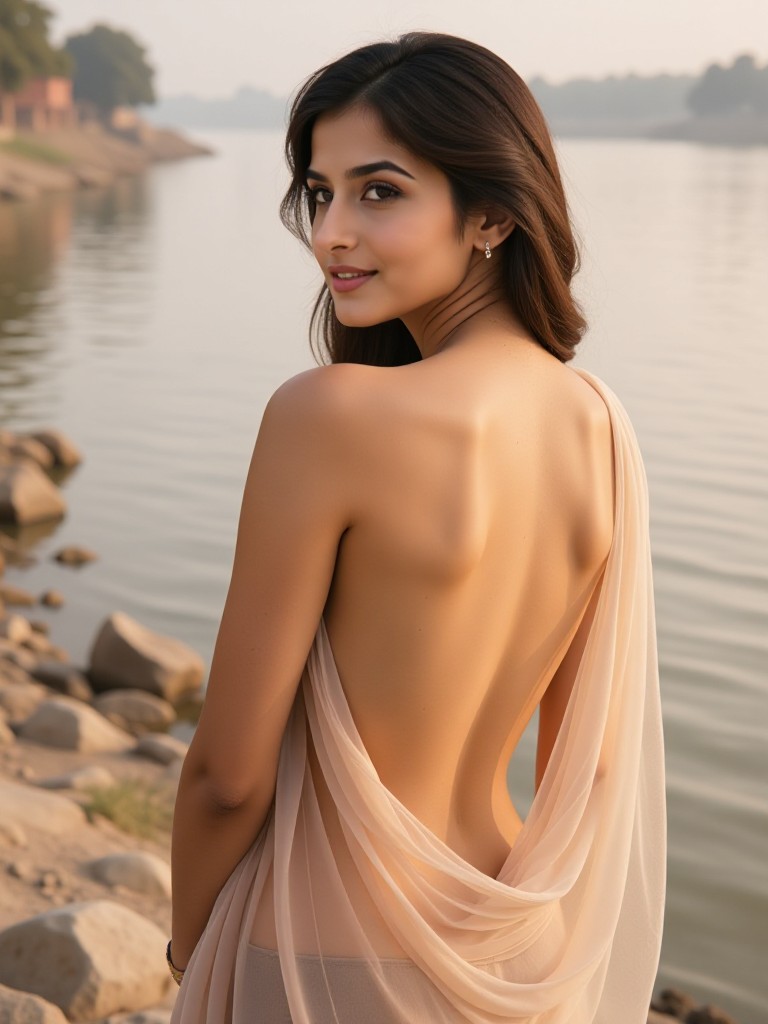
Explore five popular camera angle styles you can recreate with minimix. Use these as visual references or direct prompts for your next AI image.
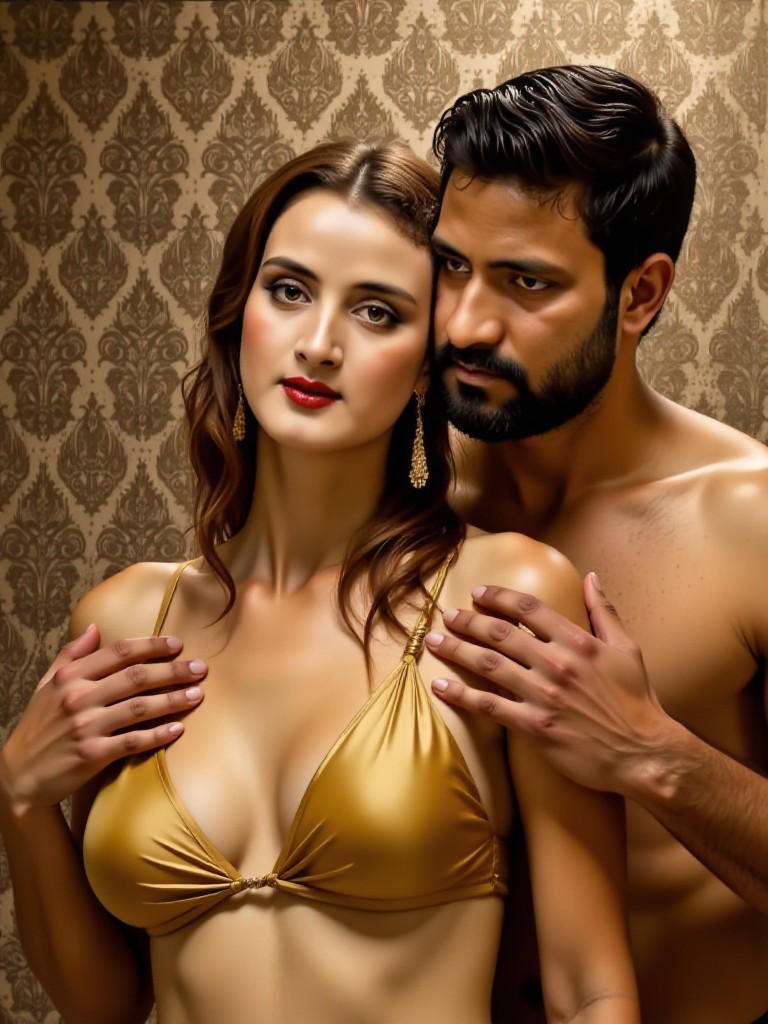
How to Use Photo Prompts for Camera Angles
Turn camera angle prompts into polished AI images in three simple steps using the minimix app.

Step 01.
Download the minimix app from Google Play and open the AI image generator on your phone.
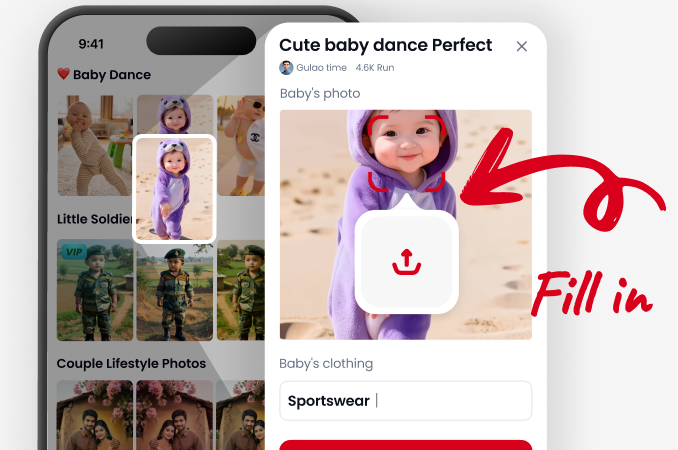
Step 02.
Choose a style template that matches your camera angle prompt, such as cinematic, realistic, or 3D clay.
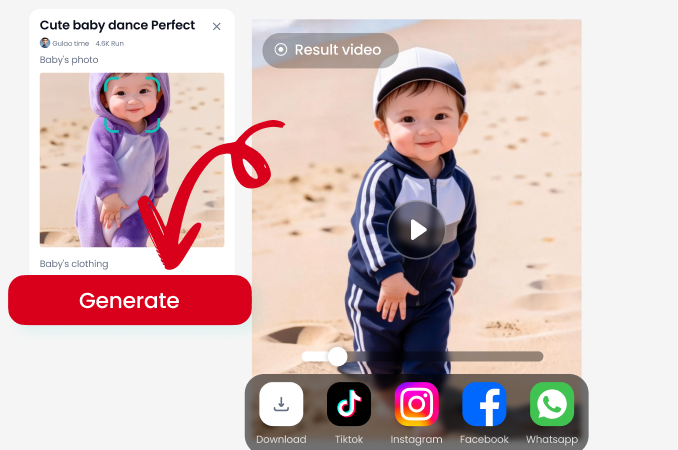
Step 03.
Enter your photo prompt for camera angles, generate the image, then save or share your result.
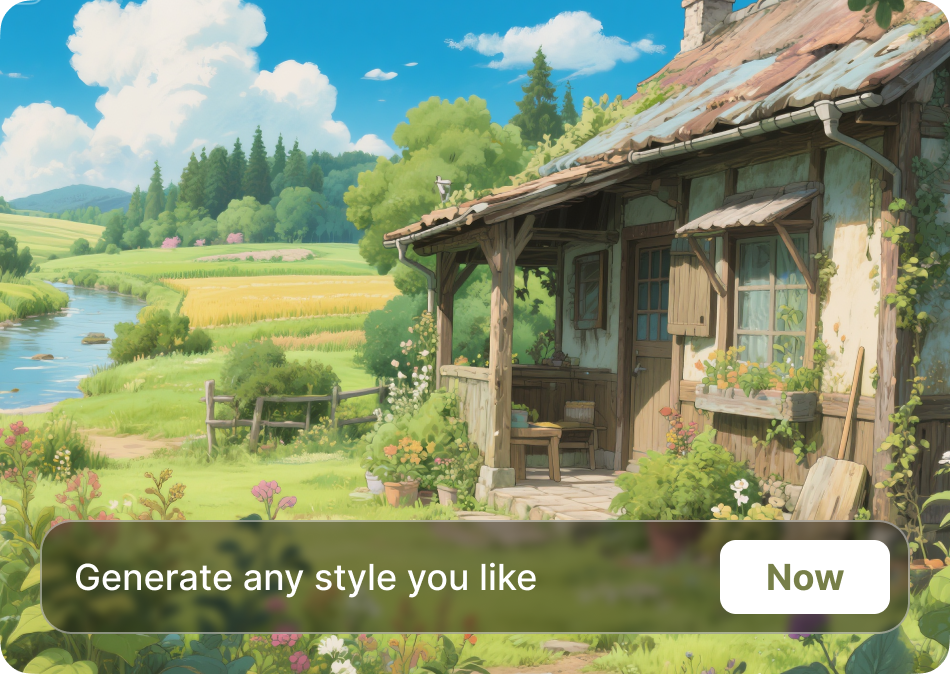
Why Camera Angle Prompts Improve Your AI Photos
A strong camera angle prompt tells the AI exactly where to place the viewer. Instead of generic portraits, you get high angle drama, low angle power, or Dutch angle tension. minimix turns those precise prompts into consistent, high quality images without needing a physical camera.
What Creators Say About minimix Angle Prompts
Finally I can plan shots without a camera
I use the low angle and POV prompts for storyboards. The AI understands camera position better than I expected, and the results look like real film stills.
High angle prompts changed my product photos
The overhead flat lay prompts are perfect for my small business. I just type a camera angle and a style filter, and the app returns clean, usable product shots.
Great for learning composition fast
I am new to photography and these prompts taught me how angles change mood. The Dutch angle examples look so cinematic and are easy to recreate.
Photo Prompt For Camera Angles: FAQ
Find clear answers about using camera angle prompts in minimix to create better AI images.
More Topics You May Like
Explore more topics you may like and discover fresh ideas tailored to your interests.
Wedding Photo Prompts With Horse: Create Romantic Couple Art
Beach Couple Photo Prompts for Romantic AI Images
Photo Prompt Australia: Ideas for Stunning AI Images
Yellow Dress Photo Edit Prompts for Stunning AI Outfit Swaps
Wedding Photo Prompts With Horse: Create Romantic Couple Art
Beach Couple Photo Prompts for Romantic AI Images
Photo Prompt Australia: Ideas for Stunning AI Images
Yellow Dress Photo Edit Prompts for Stunning AI Outfit Swaps
Ready to Try Camera Angle Prompts?
Download minimix and turn high angle, low angle, and Dutch angle photo prompts into cinematic AI images in seconds. No camera required.
Ready to Try Camera Angle Prompts?
Download minimix and turn high angle, low angle, and Dutch angle photo prompts into cinematic AI images in seconds. No camera required.