Photo Edit Prompt With Headphones
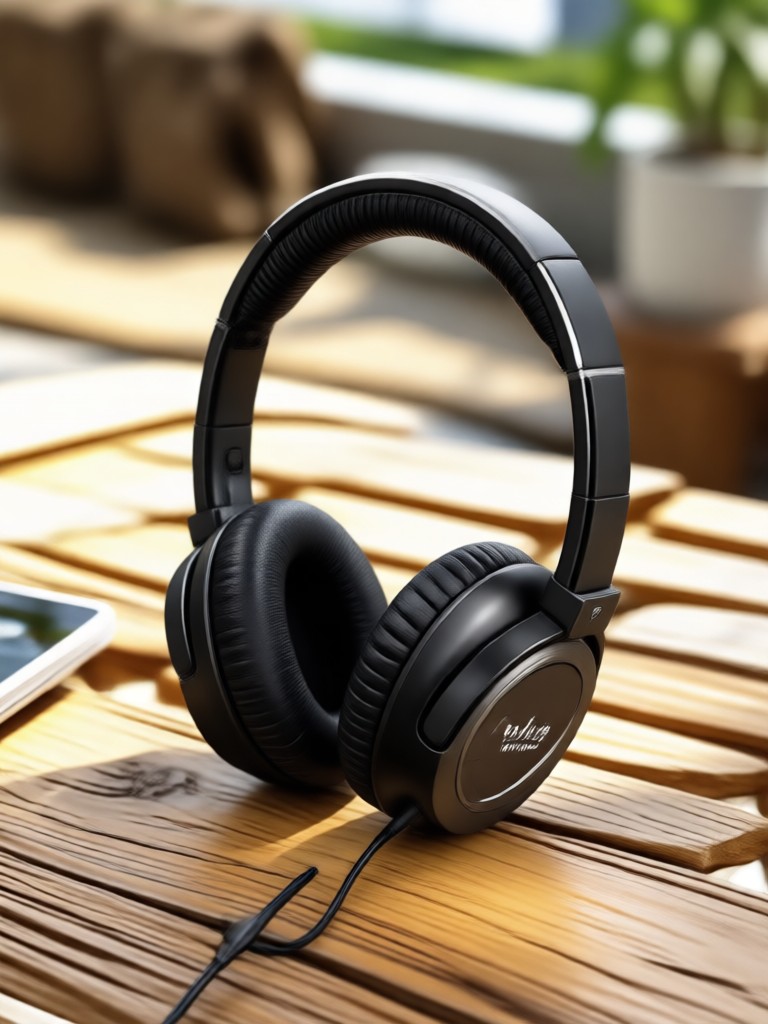
Choose a Headphone Photo Edit Style
Discover filters that perfectly match your headphone photo mood, from cyberpunk to watercolor.
Key Features for Headphone Photo Edits
minimix gives you powerful AI tools to turn a simple photo edit prompt with headphones into incredible visuals. No complex prompt engineering or desktop software needed.
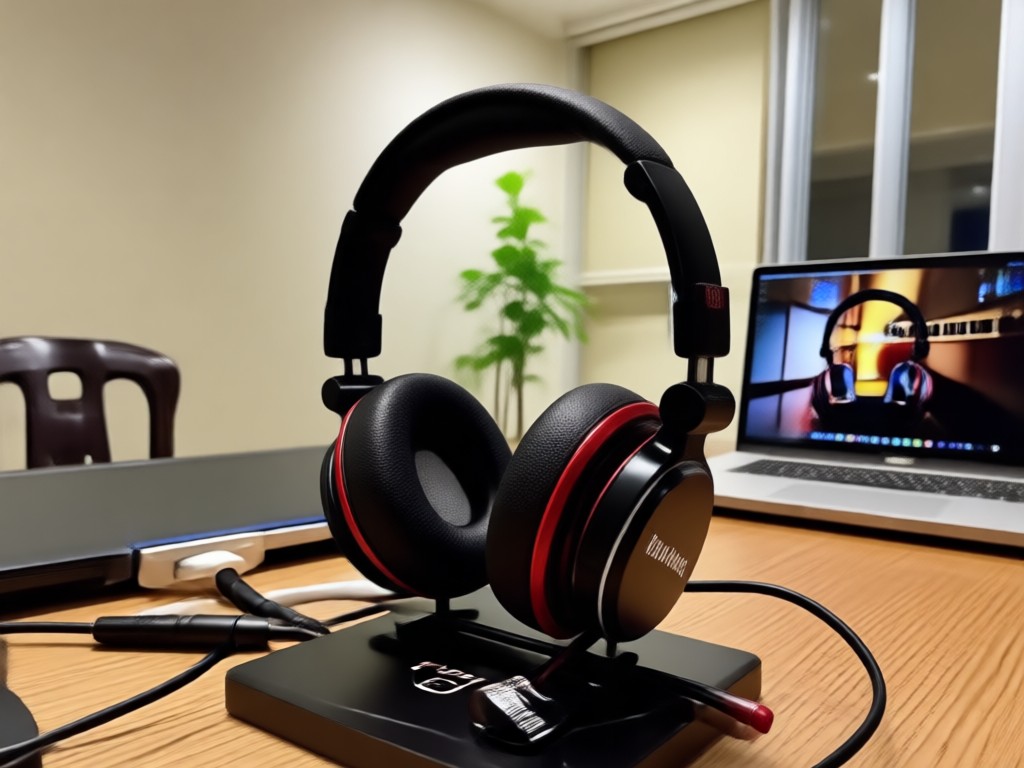
Instant Style Transfer
Upload your headphone photo and let AI replace the background, lighting, and artistic style instantly. Go from a messy room to a neon cyberpunk street in one tap.
Instant Style Transfer
Upload your headphone photo and let AI replace the background, lighting, and artistic style instantly. Go from a messy room to a neon cyberpunk street in one tap.
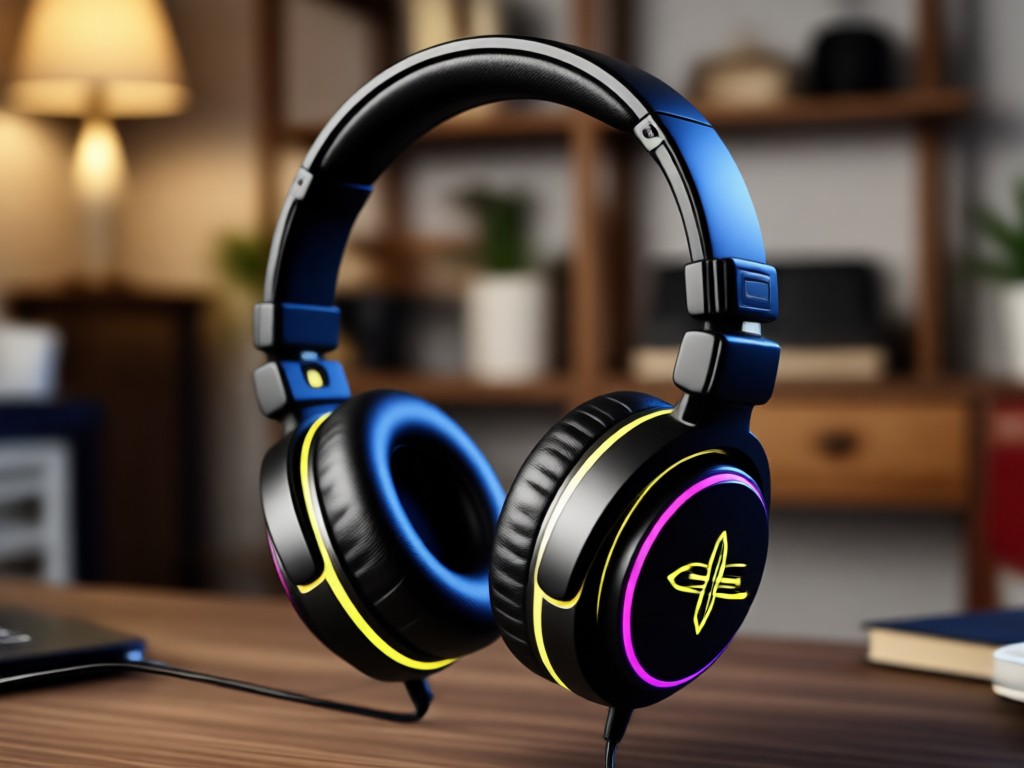
Massive Filter Library
Access over one million filters including anime, 3D clay, watercolor, and cinematic photography. Find the perfect aesthetic for your music lover portrait.
Massive Filter Library
Access over one million filters including anime, 3D clay, watercolor, and cinematic photography. Find the perfect aesthetic for your music lover portrait.
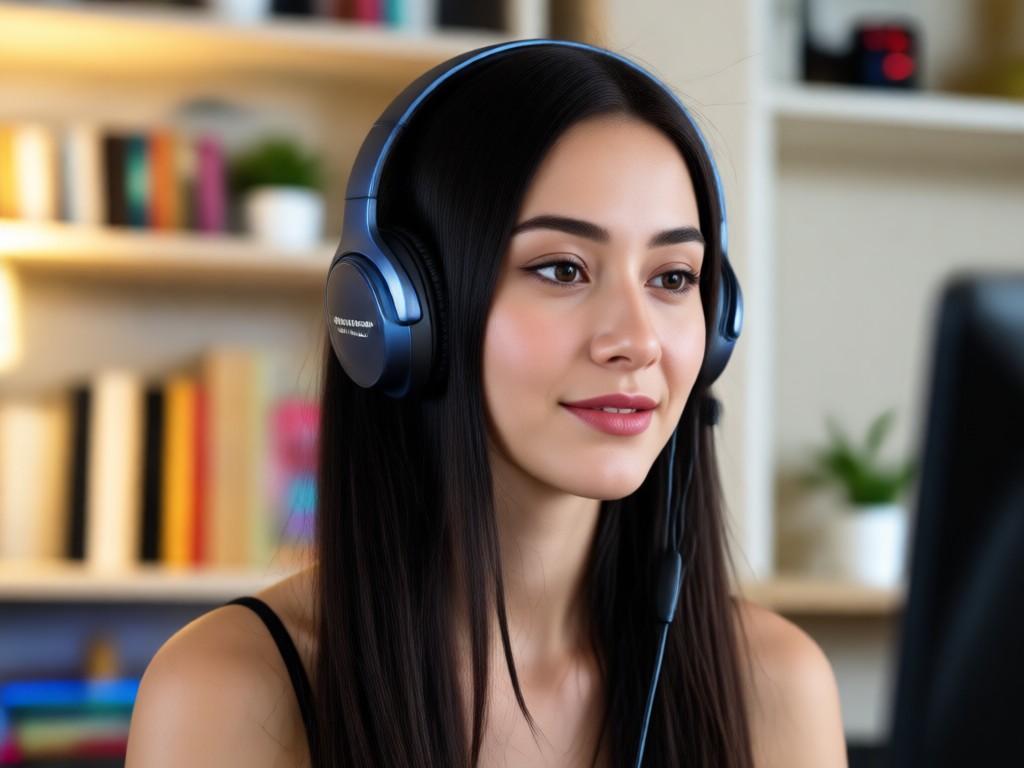
High Resolution Output
Download your edited photos in crisp HD quality. Every detail from the headphone texture to the skin tone remains sharp and realistic.
High Resolution Output
Download your edited photos in crisp HD quality. Every detail from the headphone texture to the skin tone remains sharp and realistic.
Inspiring Results for Headphone Prompts
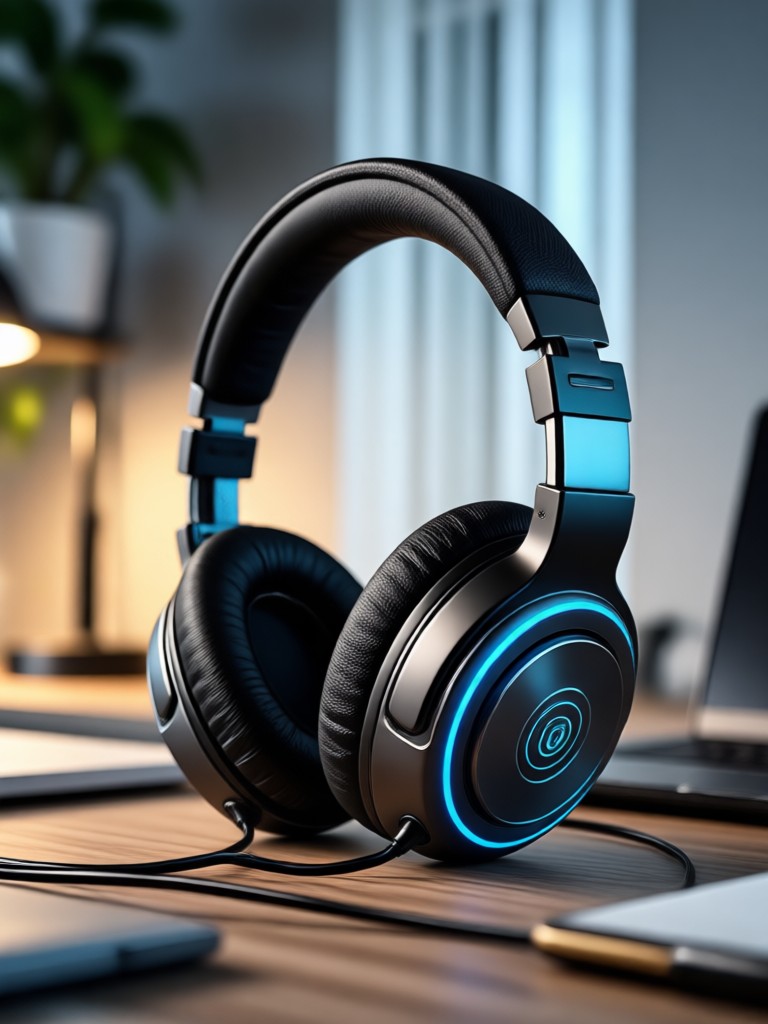
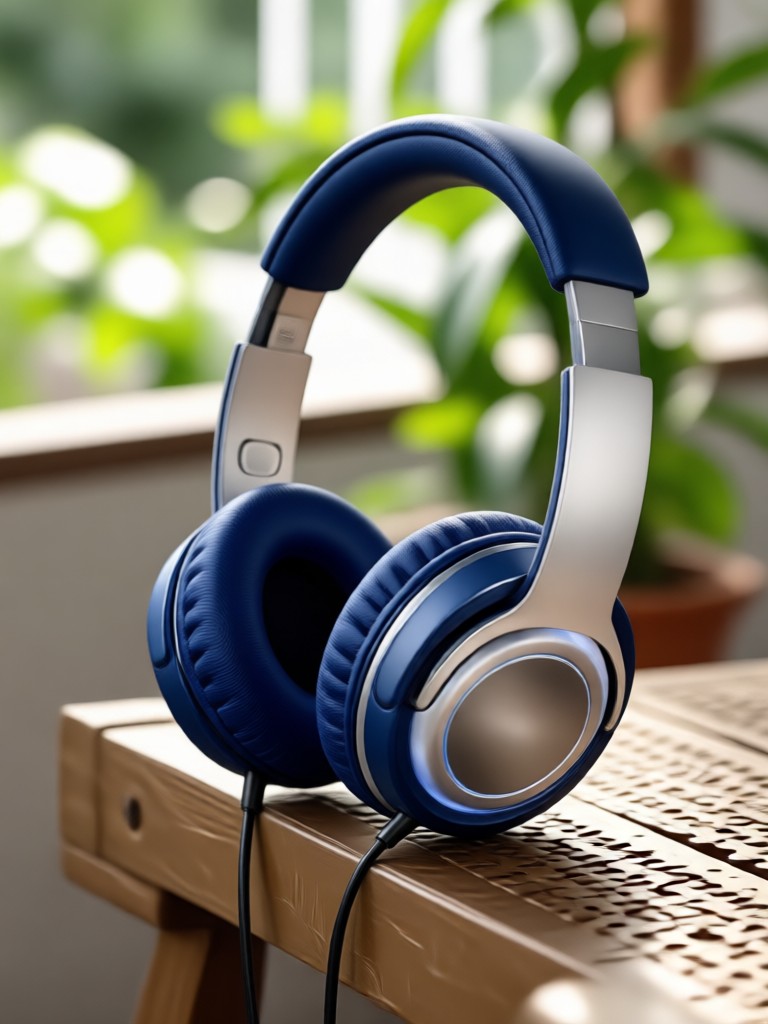
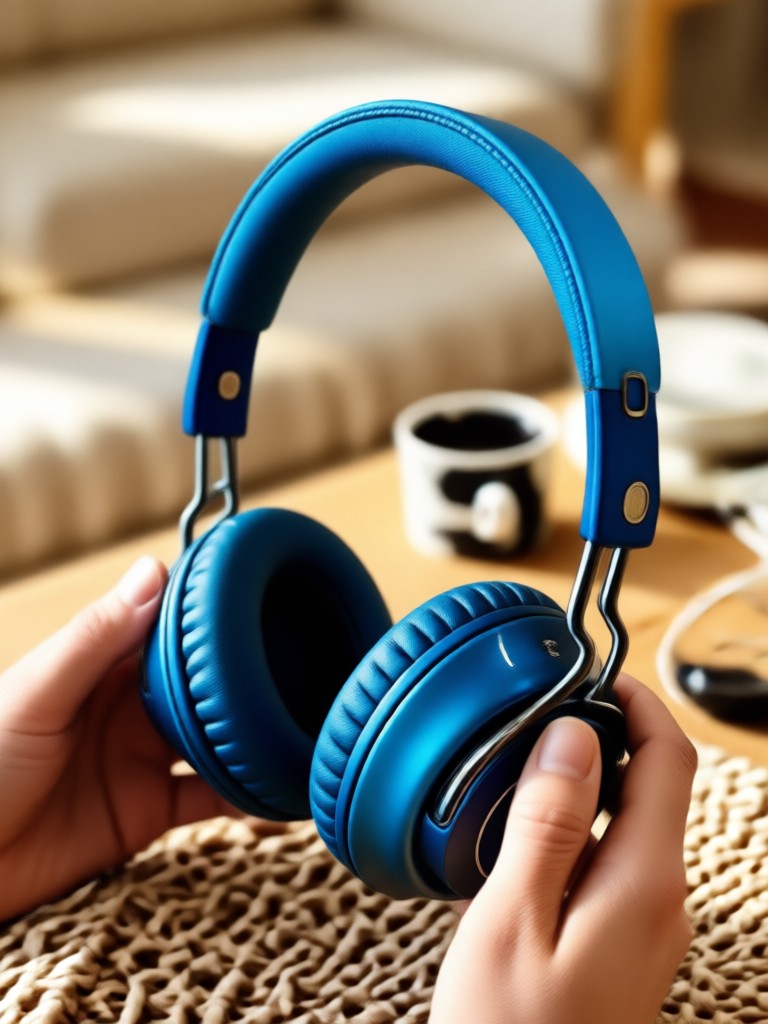
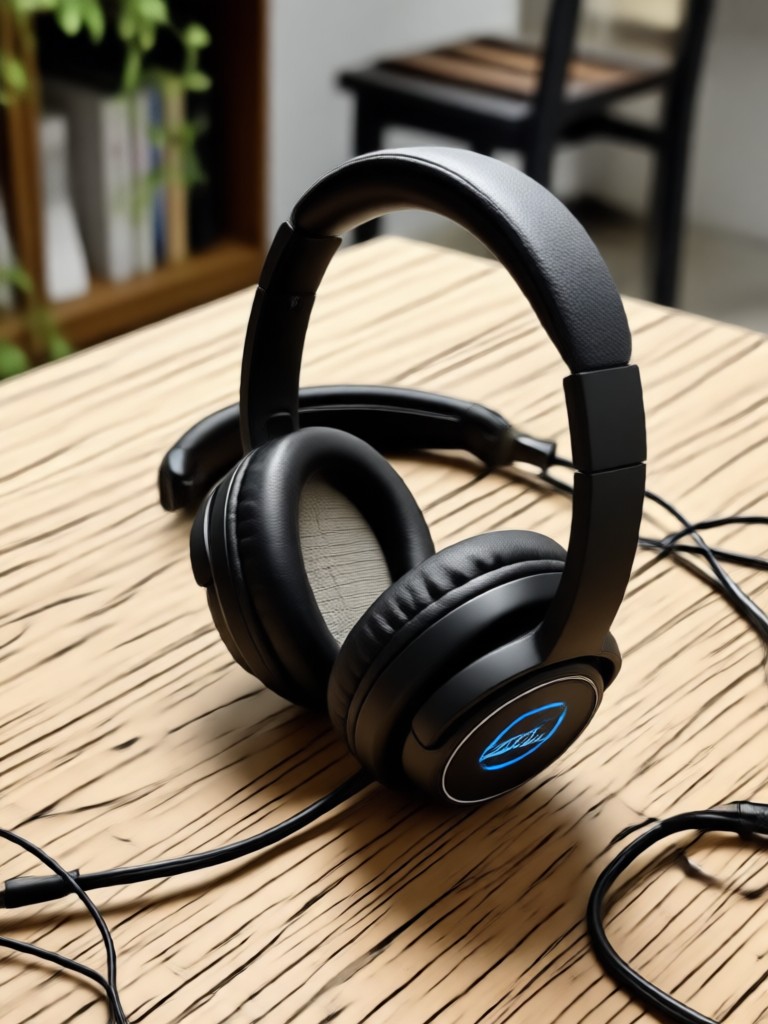
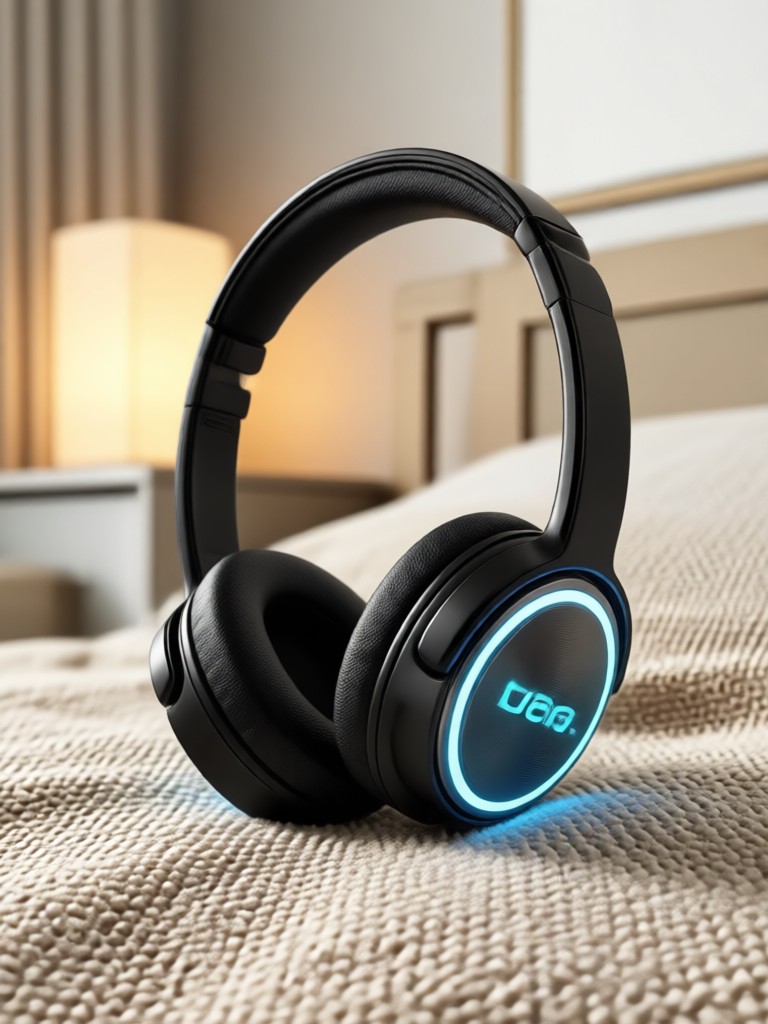
See how AI interprets different photo edit prompts featuring headphones. These examples show the range of styles you can achieve from a single reference photo.
How to Apply a Photo Edit Prompt With Headphones?
Follow these three simple steps to turn your headphone selfie into a stunning AI generated artwork using minimix.

Step 01.
Download the minimix app from Google Play and open it on your mobile device to get started.
Step 02.
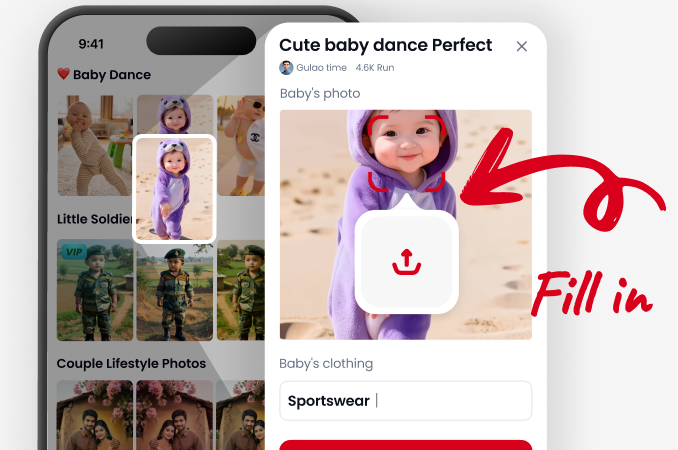
Upload a clear photo of yourself wearing headphones, then choose a style template or enter your custom prompt.
Step 03.
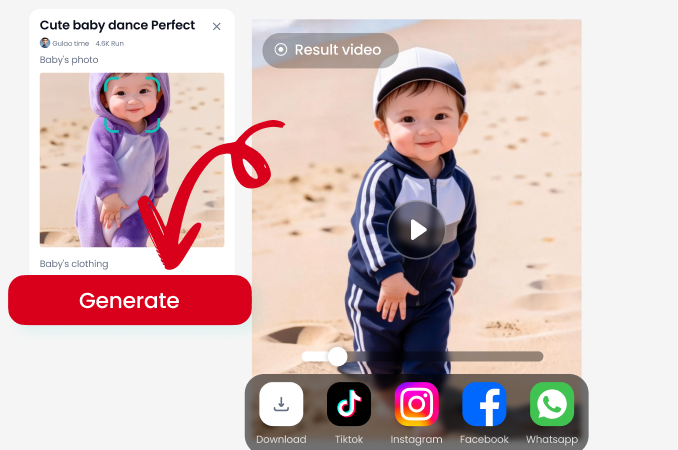
Generate your image and save the high resolution result to your gallery or share it directly to social media.
Why Use minimix for Headphone Edits?
minimix is an all in one AI design tool. It combines image generation, style transfer, and video creation in one simple mobile app. You do not need to learn complex editing software or write perfect prompts to achieve professional looking results.
Why Use minimix for Headphone Edits?
minimix is an all in one AI design tool. It combines image generation, style transfer, and video creation in one simple mobile app. You do not need to learn complex editing software or write perfect prompts to achieve professional looking results.
What Creators Say About minimix
Perfect for music content creators
I use the headphone prompts to make thumbnails for my playlists. The cyberpunk filter looks insane and takes less than a minute.
Finally an AI app that understands vibe
The prompt suggestions are actually good. I uploaded my selfie with my studio headphones and the result looked like a professional album cover.
Super easy to use
I am not a tech person. I just picked a prompt, uploaded my photo, and the app did everything. The anime style was my favorite.
Frequently Asked Questions
Find clear answers to common questions about generating headphone photos with AI prompts.
More Topics You May Like
Explore more creative prompts and ideas to upgrade your photos.
Half Body Photo Edit Prompts That Transform Your Shots

Photo At Cafe Prompt for Stunning AI Coffee Shop Photos

Pharmacist Photo Prompts: Create Realistic AI Portraits
Cute Pet Photography Photo Prompts: Easy AI Ideas
Half Body Photo Edit Prompts That Transform Your Shots
Photo At Cafe Prompt for Stunning AI Coffee Shop Photos
Pharmacist Photo Prompts: Create Realistic AI Portraits
Cute Pet Photography Photo Prompts: Easy AI Ideas
Turn Your Headphone Selfie Into Art
Download minimix for free and start applying these photo edit prompts with headphones today. Create stunning portraits in seconds.

Turn Your Headphone Selfie Into Art
Download minimix for free and start applying these photo edit prompts with headphones today. Create stunning portraits in seconds.